
Everyone needs to know how to blend images into each other!
Step 1
Blending images has always been very cool for headers or sigs. When you blend images into each other you actually make sure they overlay each other first and then make them fade into each other. This technique is being used very often. Below you see an image with 3 girls who have been blended together vert easily!

Step 2
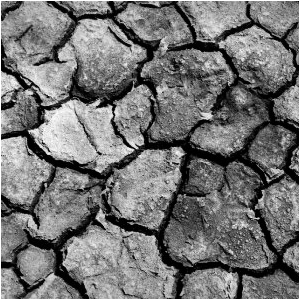
Right now I have 2 images. 2 Dried Mud-images on top of each other.
Step 3
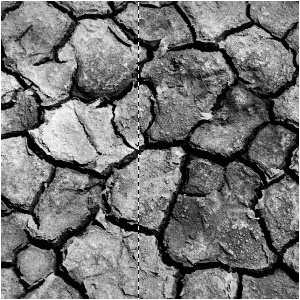
What I did is select the half of the image
Step 4
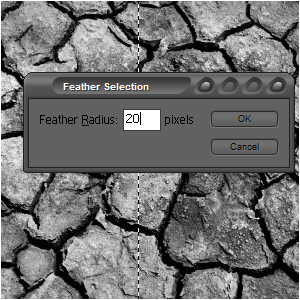
Then I went to Select>Feather and set the feather to 20 pixels, because that gives the best results with this image-size
Step 5
Then I pressed DELETE:
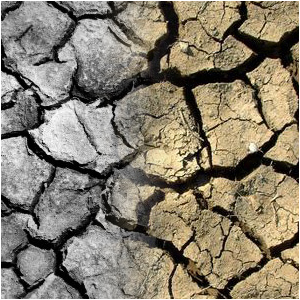
NOTE: you can use this technique for many possibilities and also you can change the steps given here!
