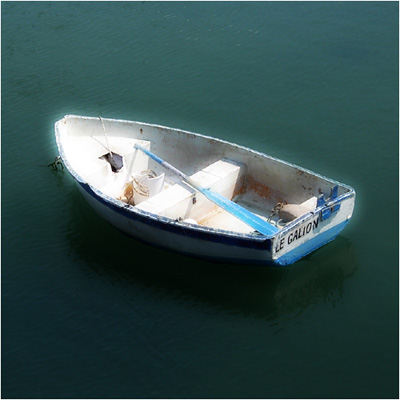
Create the blur that you sometimes see in your dreams or nightmares...
Step 1
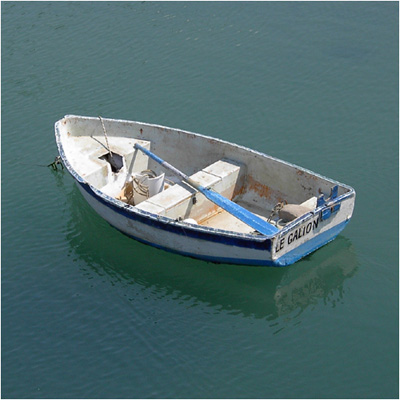
Open up a photograph of a random object.
Step 2
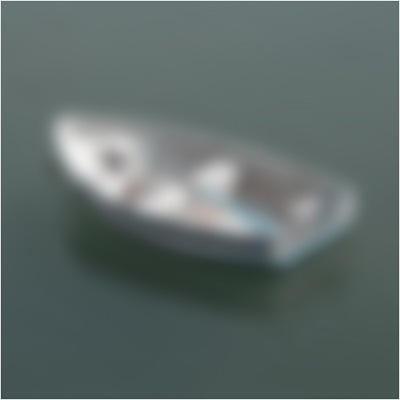
Duplicate the image and go to Filter>Blur>Gaussian Blur and blur it like me.
Step 3
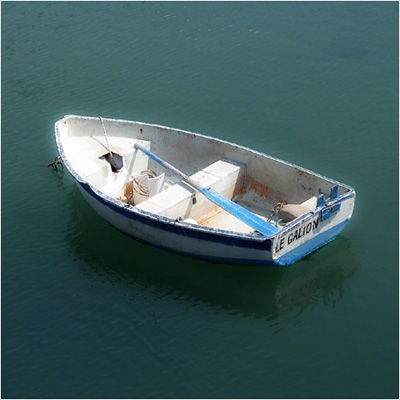
Set the blending-mode to overlay.
Step 4
Duplicate the blurred layer and now look at your final result...