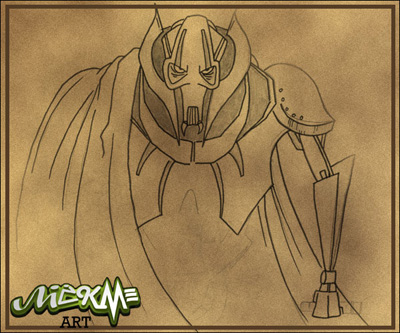
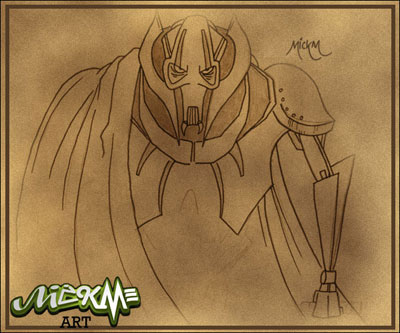
Transform those dull drawings into real masterpieces!
Step 1
Get out your drawing and make sure it's drawn on a white piece of paper;
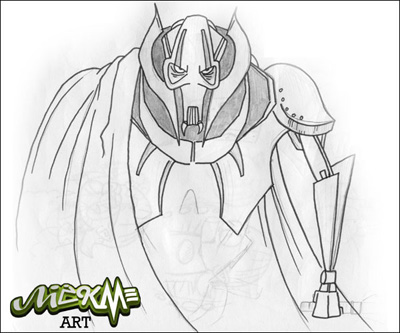
Step 2
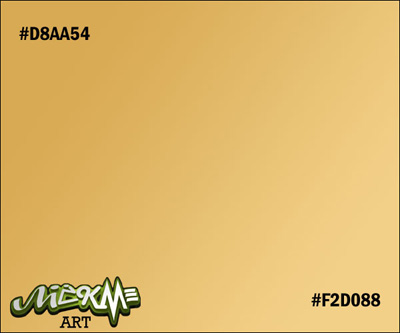
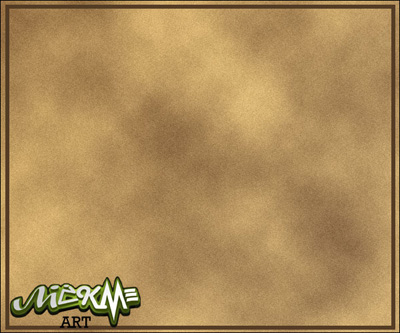
Create a new layer ABOVE your drawing and make a gradient with the colors #D8AA54 and #F2D088;
Step 3
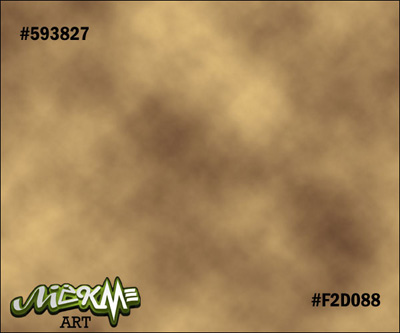
Go to Filter>Render>Clouds with the preset colors #593827 and #F2D088;
Step 4
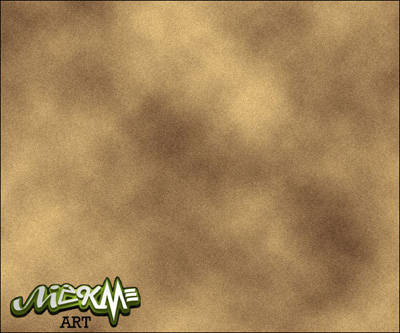
Go to Filter>Noise>Add Noise and add a small amount of noise to the cloud-layer;
Step 5
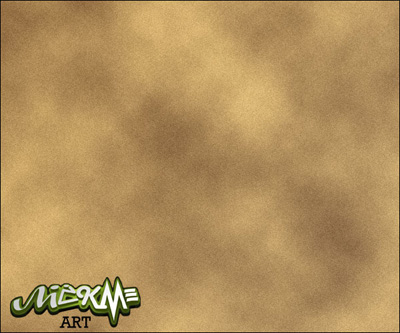
Lower the opacity of the cloud layer a LITTLE bit;
Step 6
With the color #593827, create a border by making a square and cutting out a square;
Step 7
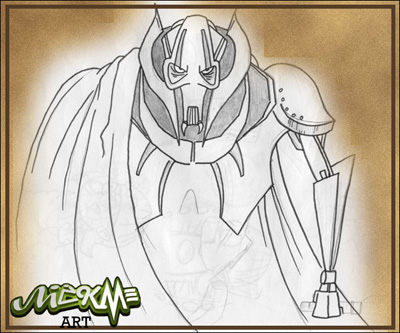
Place the drawing on top of it all, but BENEATH THE BORDER-Layer;
Step 8
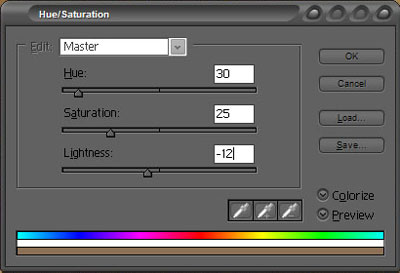
Set it to multiply and press CTRL+U and add these settings to make it look perfect!