

Learn how to add shadows to colored anime...
Step 1
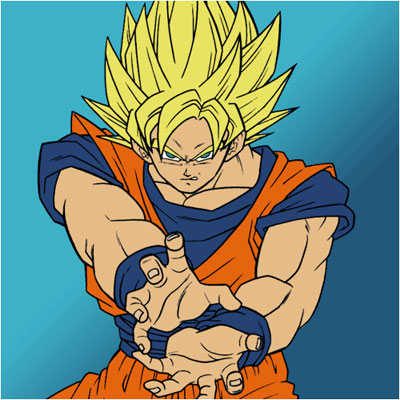
Get out the end-result from the Coloring Anime Tutorial and let's begin!
Step 2
Make sure you have the psd, because we are gonna work with many different layers which will be easier!
Step 3
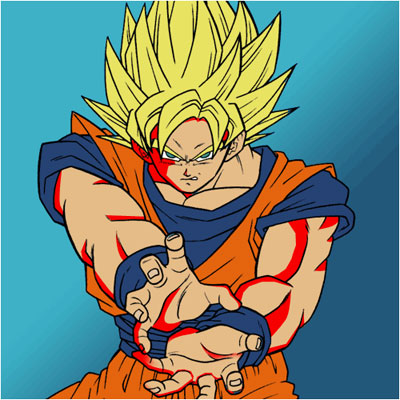
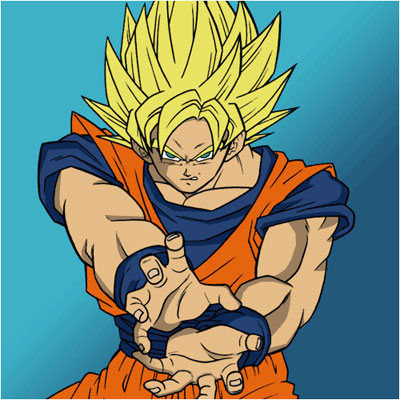
First select ALL THE SHADOW-area on the skin
Step 4
Think carefully of where you're gonna put it - Light can only come from one way in Anime!
Step 5
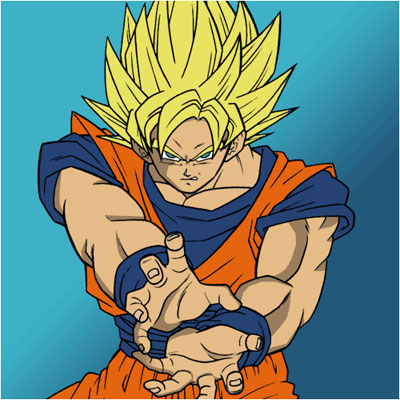
Once done, fill the selected area with a darker color then the base-color
Step 6
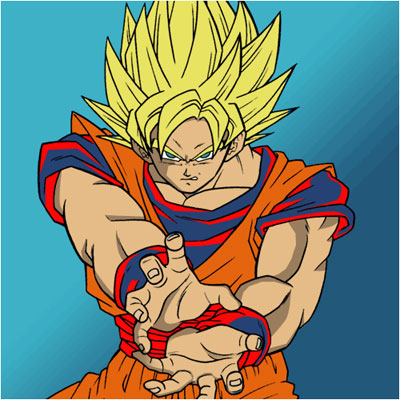
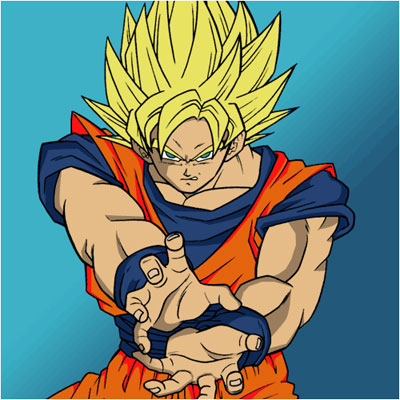
Do the same with the clothes
Step 7
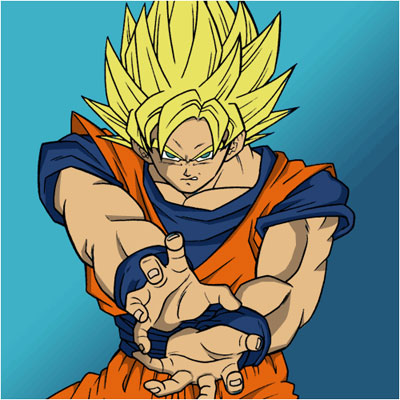
Now duplicate the hair-layer and darken it
Step 8
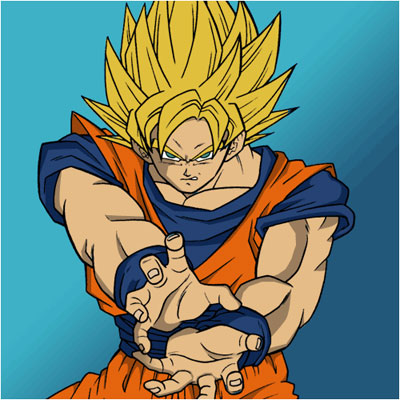
Select parts that you're gonna delete
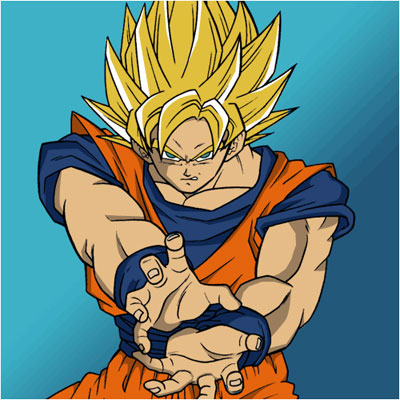
Step 8
Press delete and you're done!
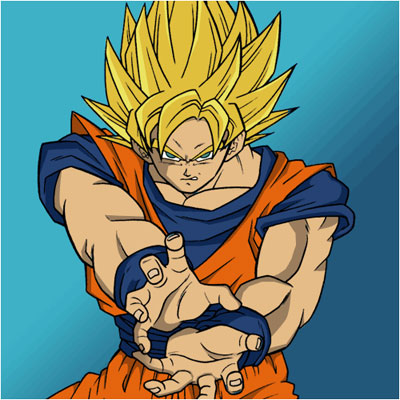
Click to enlarge
