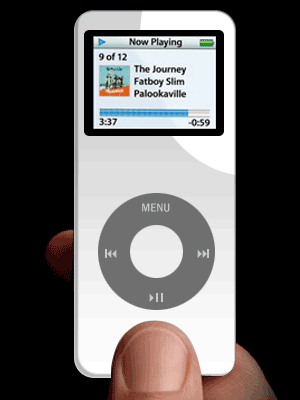
Create the newest rage in mp3-stuff... the iPod nano!
Step 1
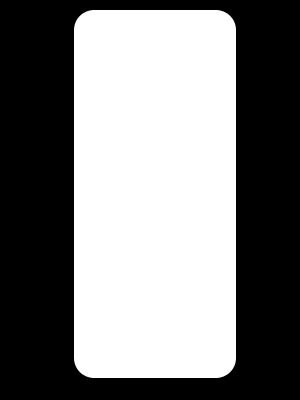
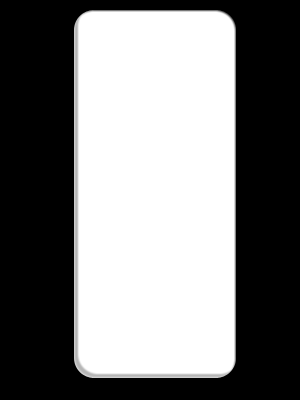
Open up a new document and use the Rounded Rectangle tool to create a long shape;
Step 2
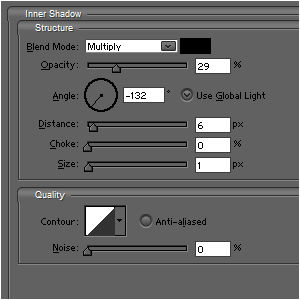
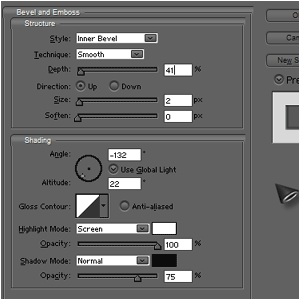
Apply these 2 effects on it;
Step 3
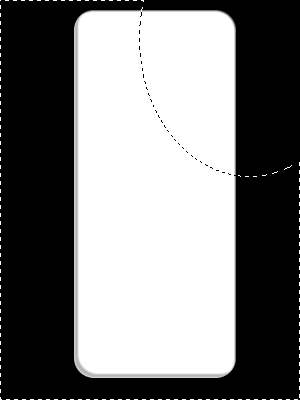
Select a small part with the Elliptical Marquee-Tool;
Step 4
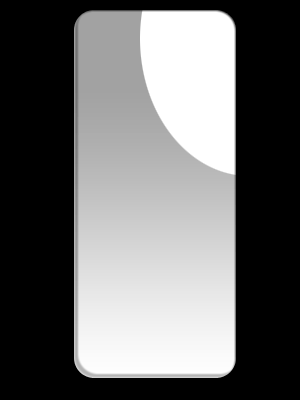
Press CTRL+SHIFT+I and open a new layer. Now add a grey-to-blank gradient on this layer.

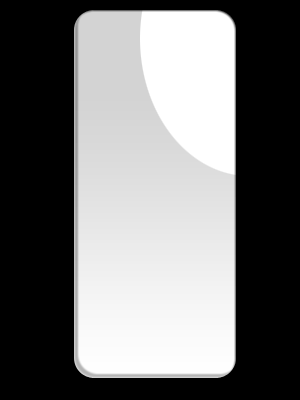
Step 5 Press CTRL+D and CTRL+G and lower the opacity
Step 6
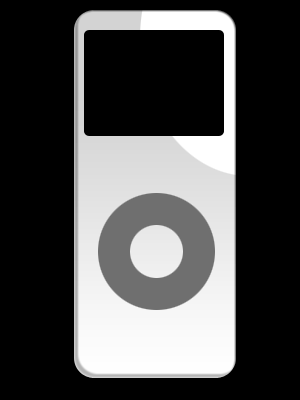
Create a medium-grey circle and cut out a circle in the middle

Step 7
With a radius of 5px, use the Rounded Retangle tool to create the black screen
Step 8
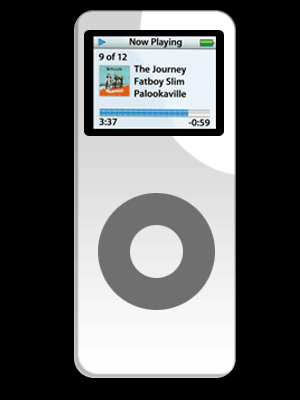
Add the desired screen to the picture, or use a picture like me
Step 9
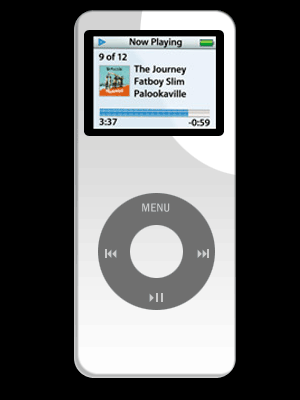
Also add menu-buttons
Step 10
And you're done...