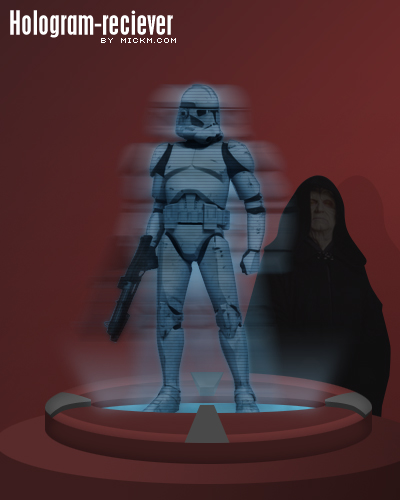
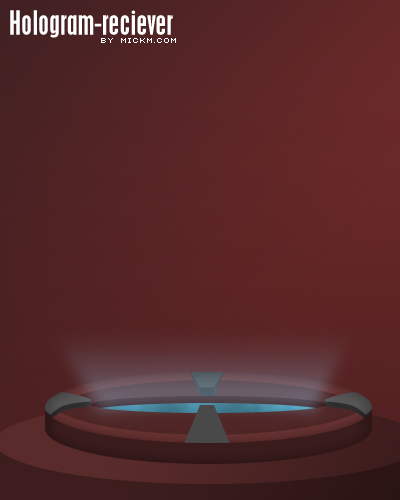
As requested, the hologram-receiver!
Step 1
On a new document, create a dark-red background and on a new layer, create a light-red circle;
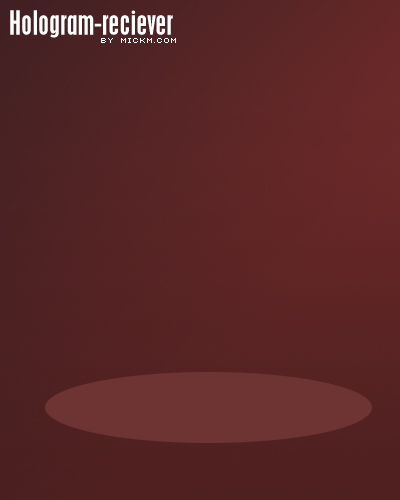
Step 2
Give it a large black inner glow and lower the opacity
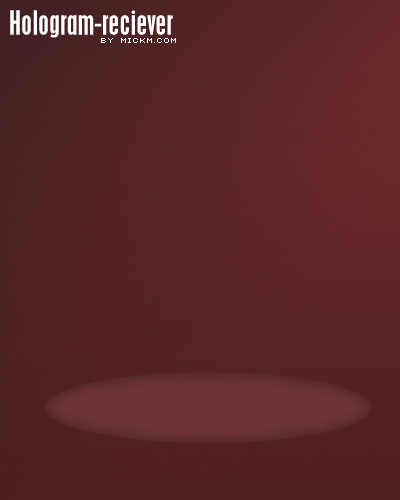
Step 3
Place an empty layer UNDER your circle and merge the 2 together. Then press V, and while holding ALT, press DOWN a few times. Then merge all the layers EXCEPT the original, and place the original on top. Then select the merged layer and press CTRL+U and darken the merged layer. This will make it look 3d.
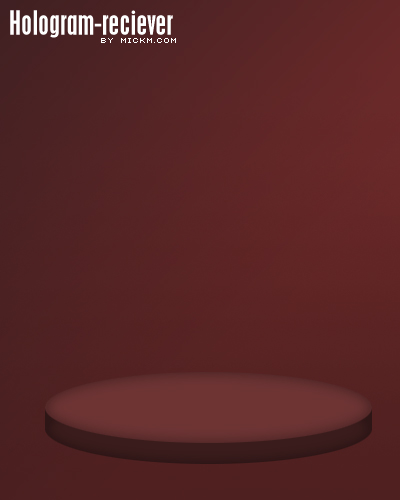
Step 4
Create a smaller circle inside the large one with a darker red
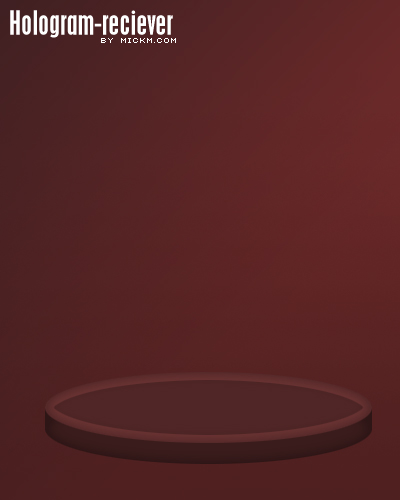
Step 5
Add a larger circle below all the other circles with a red gradient.
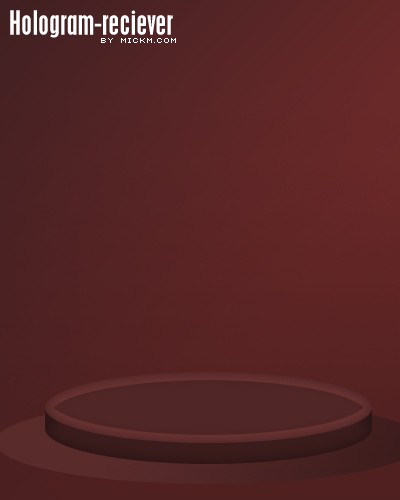
Step 6
Practice the same effect as you did with the 3d-effect on the other circle, on this circle.
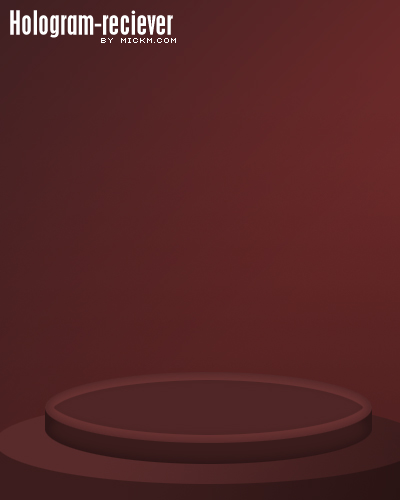
Step 7
After creating a hell of a lot circles, create one more.
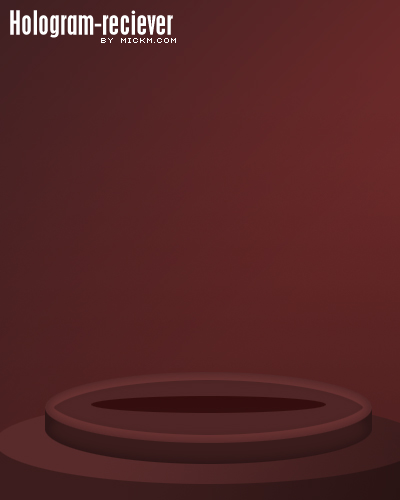
Step 8
And create a white one on top of it and press CTRL+G and move it down a little.
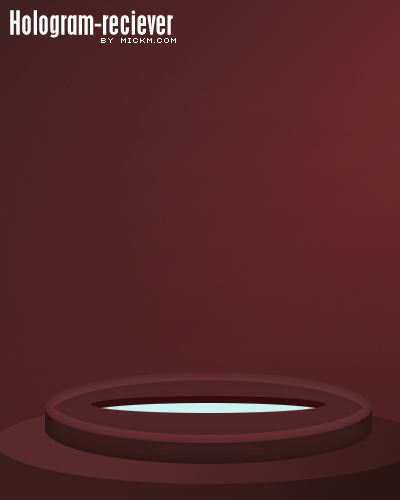
Step 9
Select it, then open a new layer and press D. Then go to Filter>Render>Clouds and press CTRL+U and change the color to blue.
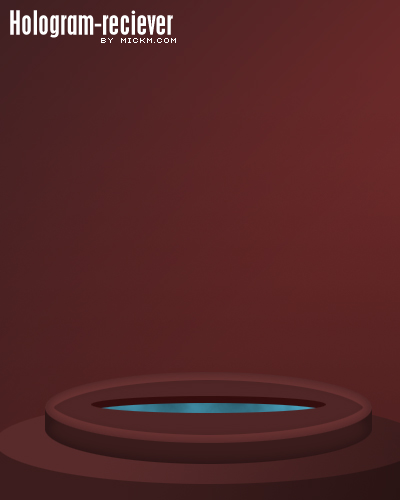
Step 10
Create a gray shape like shown below.
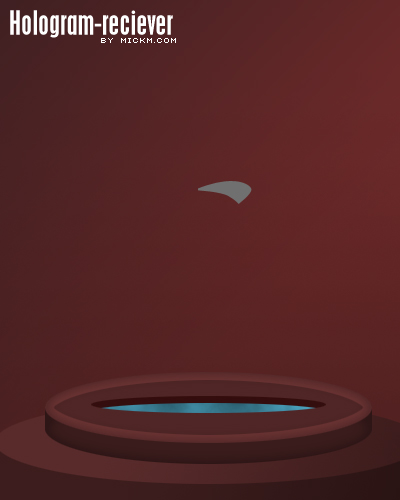
Step 11
Practice the 3d-effect done before on this object.
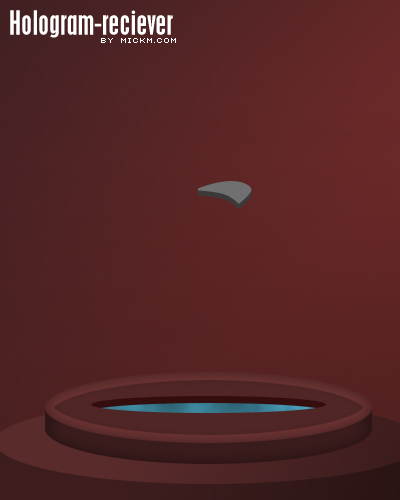
Step 12
Position it on the sides of the small circle and duplicate the layer. Then flip it horizontal.
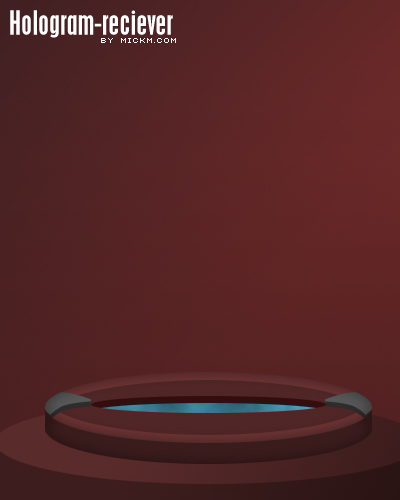
Step 13
Create a gray triangle-shape as shown below.
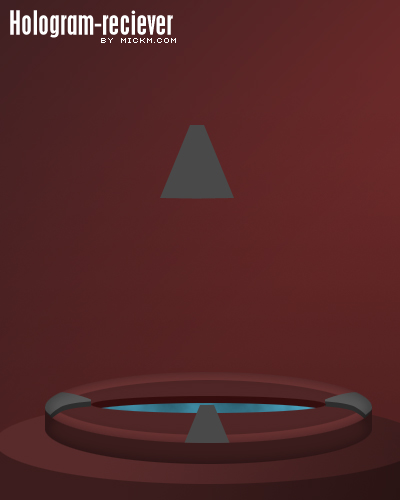
Step 14
Position it down. Then duplicate it, flip it vertically and add the 3d again.
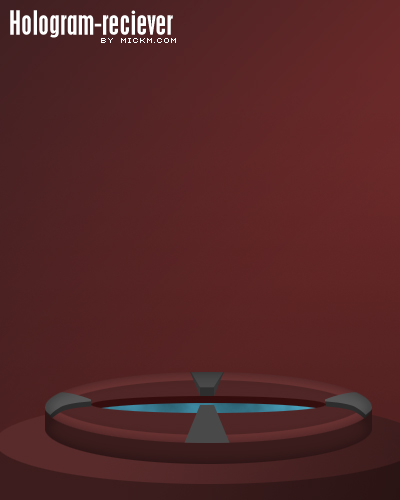
Step 15
Make a triangular shaped selection and add a blue-transparent gradient.
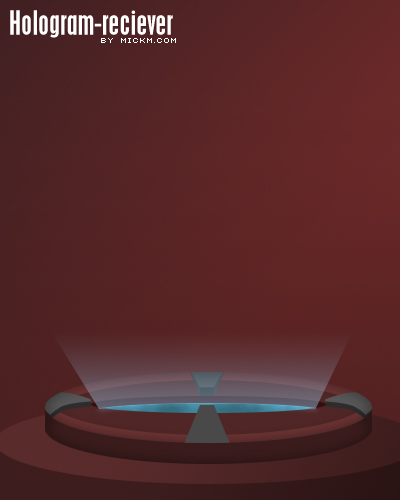
Step 16
Give it a Filter>Blur>Gaussian Blur and delete everything that passes outside the blue circle at the bottom.
Step 17
Then add your hologram and other stuff, and you're done!