

A handy effect if you want a Mac-styled navigation-box!
Step 1
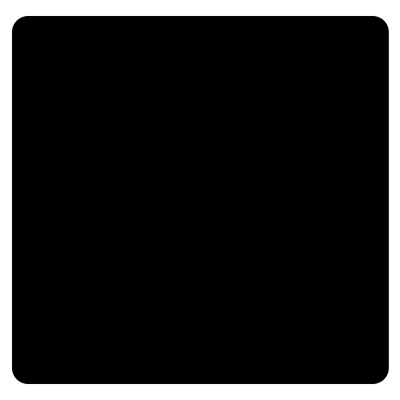
Grab the Rounded Rectangle tool and with a radius of 20, create a black box;
Step 2
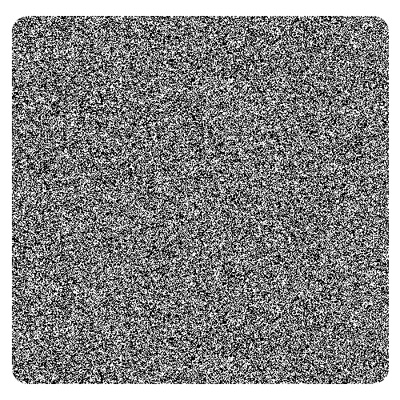
Add Filter>Noise>Add Noise and set it to the max.
Step 3
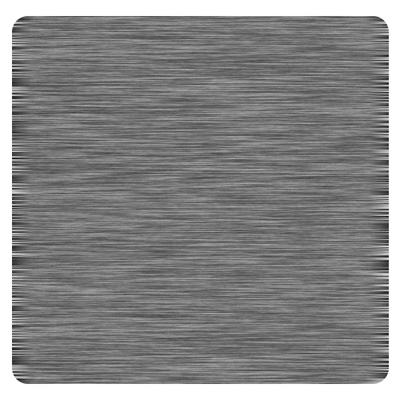
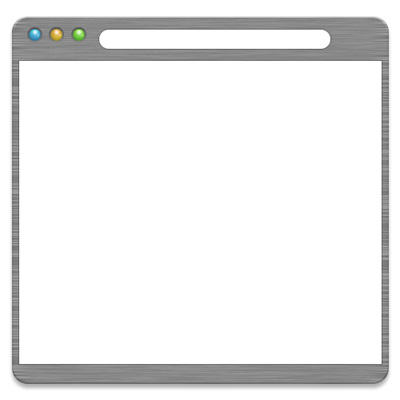
Lock the layer's edges and go to Filter>Blur>Motion Blur and choose horizontal and make it look like mine below.
Step 4
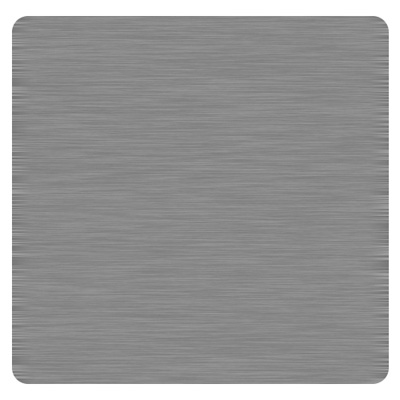
Select the shape, then on a new layer, fill it with medium gray.

Step 5
Lower the opacity a little bit
Step 6
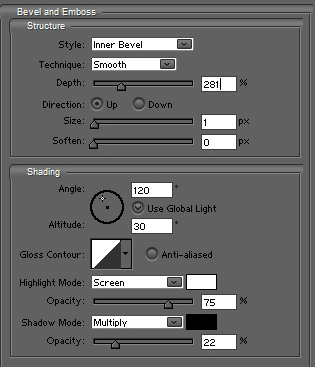
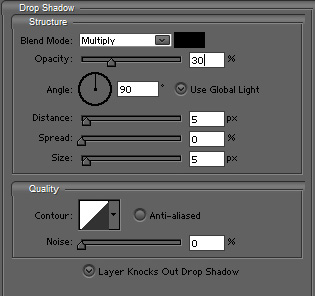
Then add these blending options to it
Step 7
Add a white block in the middle
Step 8
Add some decals to finish it
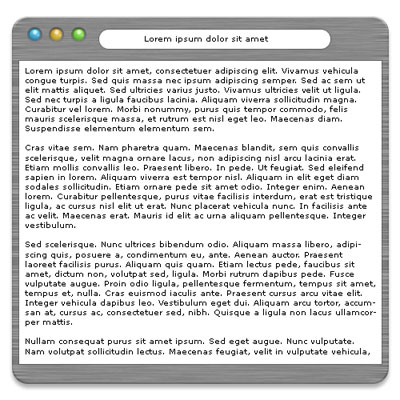
Click to enlarge
