Her

Home Photoshop Tutorials Photo Editing Fashion Magazine Style Photo Effect

Fashion Magazine Style Photo Effect

Author: Head Nerd Author's URL: www.photoshopnerds.com More by this author

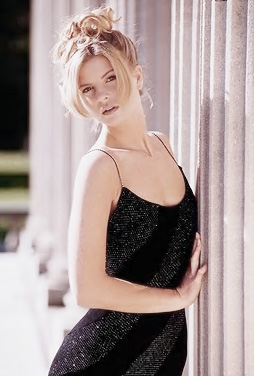
Start by opening an image of a model.
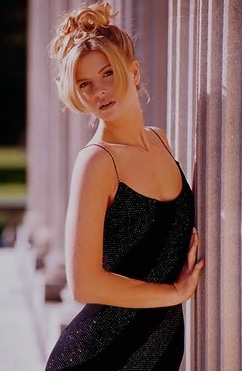
image 1

Duplicate the layer and press Ctrl+Shift+U to desaturate.
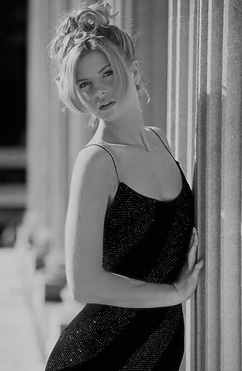
image 2

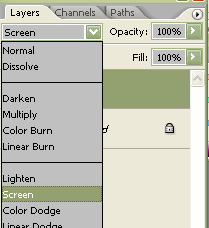
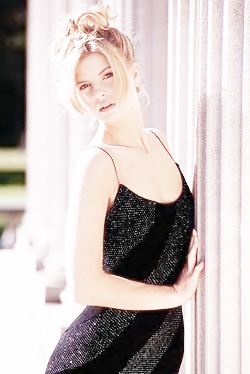
Change the color mode to screen.

image 3

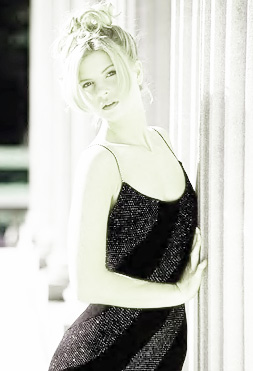
image 4

Duplicate the layer.

image 5

Press Ctrl+U to open hue/saturation window. Apply settings as shown.
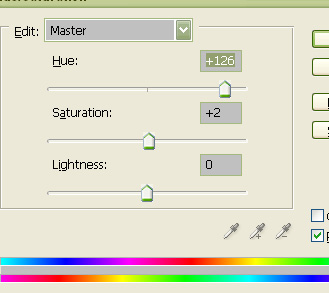
image 6

Fashion Magazine Style Photo Effect