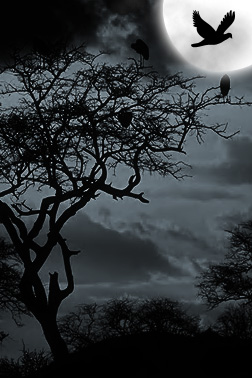
Start by opening a day scene image.
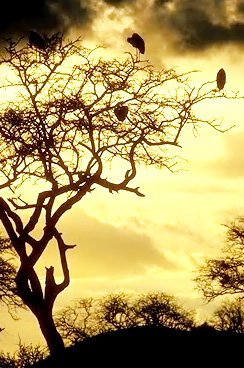
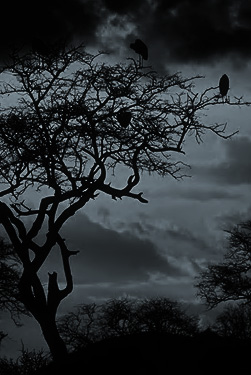
Press Ctrl+Shift+U to de saturate.
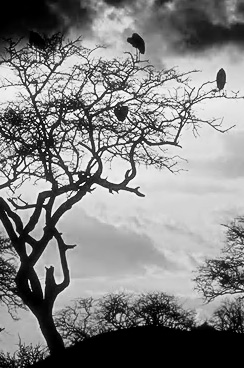
Press Ctrl+M to open curve window. Apply settings as shown.

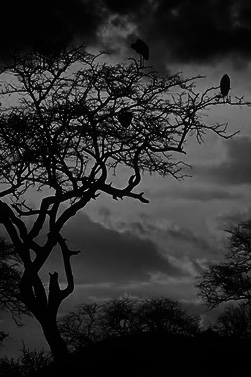
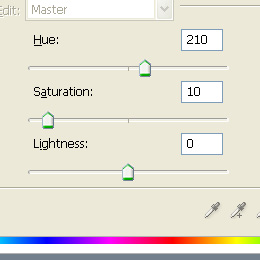
Press Ctrl+U and adjust hue/saturation settings as shown.
Create a moon using elliptical shape tool.
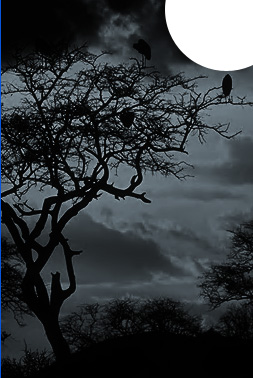
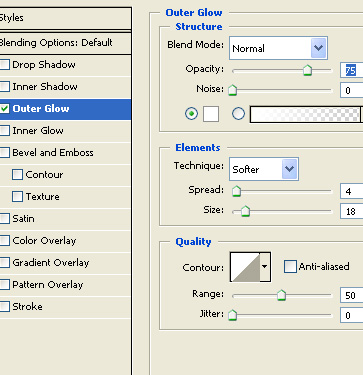
Add an outer glow using following settings.
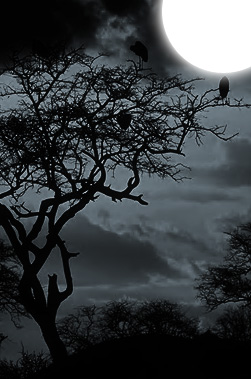
Create a random selection using lasso tool.
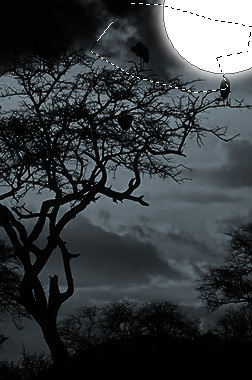
Press Ctrl+Alt+D to apply feather the selection.
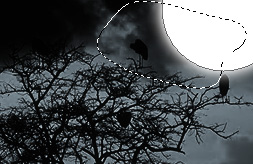
Create a new layer. From filter menu select render>>clouds.
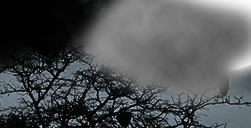
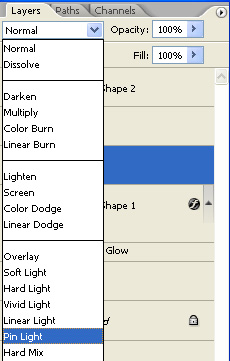
Change the layer mode to pin light.
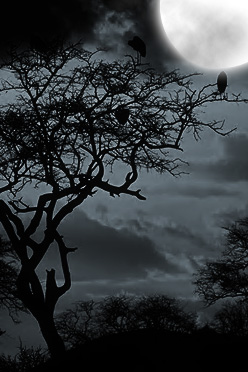
Add a bird in black color over the moon using custom shape tool.