


This tutorial was written for the Flash Designer software, which allows you to create flash animations in a much easier way than by using Macromedia Flash. You may get Flash Designer here.
Creating Interactive Movies
Selteco Flash Designer provides basic level of interactivity. Each item can be defined as a button and react to mouse over events or mouse clicks.
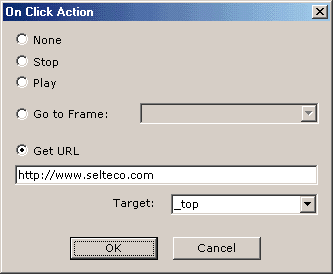
OnClick Action
To define action when the user clicks the button, select the item and choose "Action"->"On Click" command located under "Item" menu.
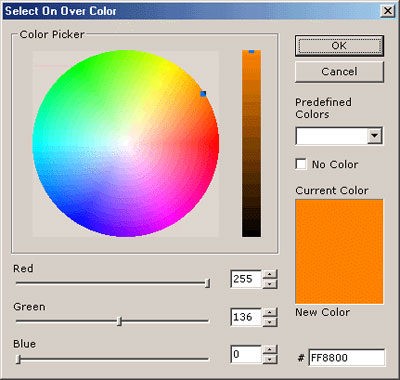
OnOver Color
To define new color when the user moves the mouse over the button, select "Action"->"On Over Color" located under "Item" Menu. Uncheck "No Color" box and select new color.
OnOver and OnOut Actions
OnOver and OnOut action can be used to jump to other frame, when the user positions the mouse over the button. With OnOver you can define "Roll-over" or "Tooltips" effects in your movie. To specify OnOver action select "Action"->"On Over" command located under "Item".
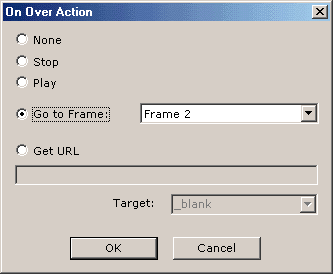
In the above example second frame has been added, with the text "www.selteco.com". This text has also intro animation defined. To see how this animation is created open example file "4-example-button.sfd".
Simple Buttons
Use "Button" tool to draw simple buttons. Buttons are rectangular, you can set button fill color, line color and line width, font color, name and size. To change button text select the item and choose "Item" > "Edit Propeties".
