This tutorial was written for the Flash Designer software, which allows you to create flash animations in a much easier way than by using Macromedia Flash. You may get Flash Designer here.
Radial Gradients
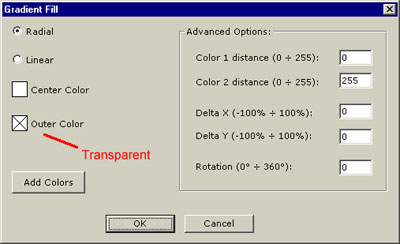
Radial gradient fill can be used to fill any shape (rectangle, circle etc). To define gradient fill select the item and choose "Item" > "Gradient Fill" command.
Simulating 3D look using 2 gradient circles:
Simulating candle light using transparent gradient:
Linear Gradients
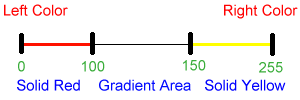
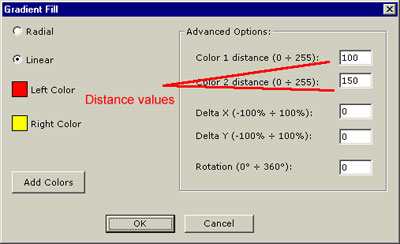
Linear gradients are defined from left to right:
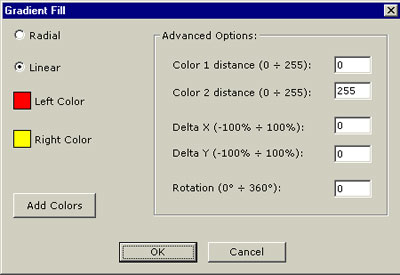
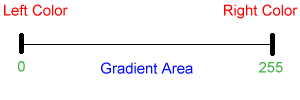
Distance values are control points of the gradient. By default gradient spans from 0 (left) to 255 (right). To reduce gradient area make distance values closer to each other.
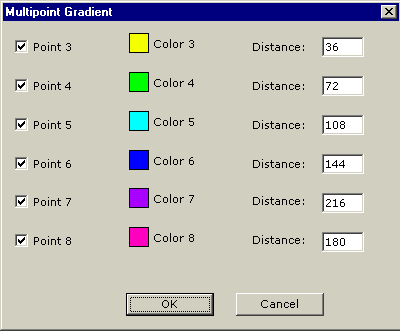
Multipoint gradients can have up to 8 control points.