

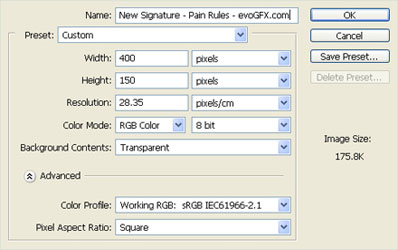
1. Make a new image 400x150 would be a good size. Make sure it has a 'Transparent' background
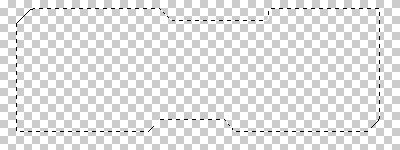
2. Select the 'Polygonal Lasso Tool'. select a Tech Box shape.
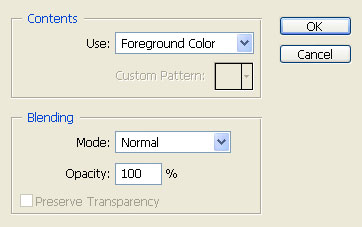
3. On the selected area click Edit > Fill
4. Now right click the layer and go to Blending options
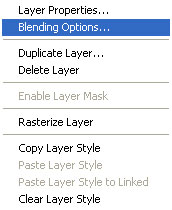
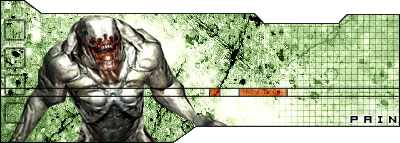
5. Add a Stroke, Gradient Overlay and other options which you would like. Add a render and some brushes and you could get something like this
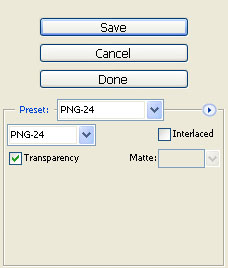
6. Now click File > save for web and use these options
Done!!! Hope this tutorial helped you!!
