1. Open the render image
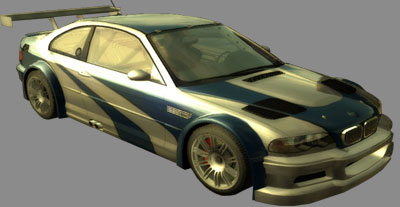
2. Duplicate the render layer.
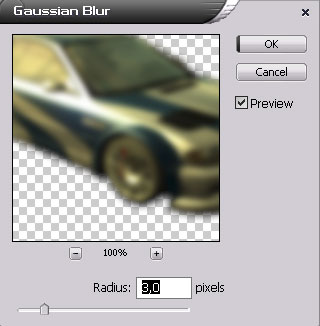
3. Go Filter > Blur > Gaussian blur With these settings
4. Now set the blurred layer to Soft Light
Before
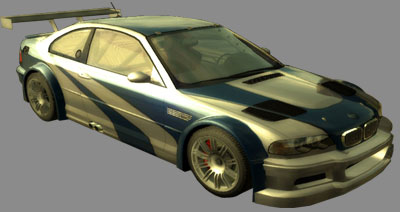
After
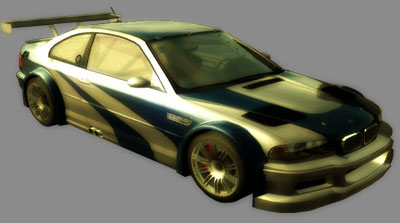
Her


 Level: Beginner Software:
Photoshop
Level: Beginner Software:
Photoshop 1. Open the render image
2. Duplicate the render layer.
3. Go Filter > Blur > Gaussian blur With these settings
4. Now set the blurred layer to Soft Light
Before
After
