Step 1
Get the signiture you want too use and open it up in photoshop, Go to: Filter > Blur > Gaussian Blur. Set the radius too 4.0 pixels.
Step 2
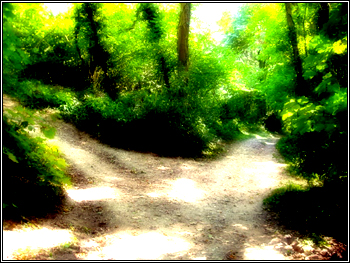
Go to: Edit > Fade Gaussian Blur . You can change mode to what you wish, it may work different on different coloured images, I used Linear Light
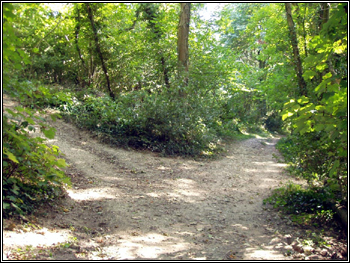
Heres what i got