


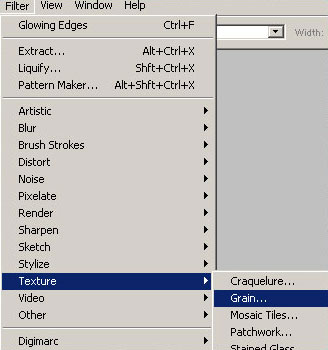
First open up a new pallet the size of your choice. Next go to Filter > Texture > Grain
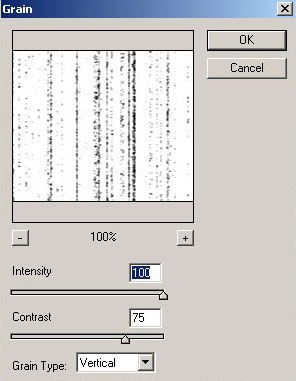
Use these settings
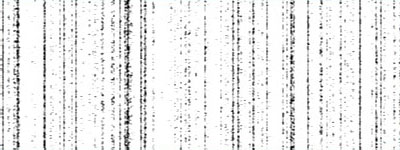
You should get something like this:
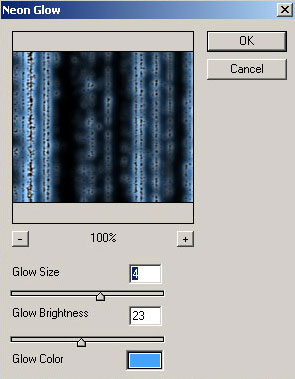
Hit D to make sure your colors are default. Next, go to Filter > Artistic > Neon Glow
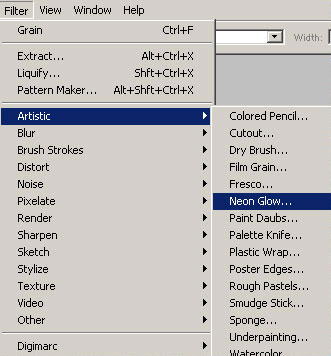
Use these settings:
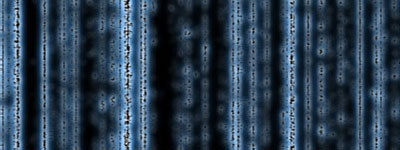
You should now having something like this:
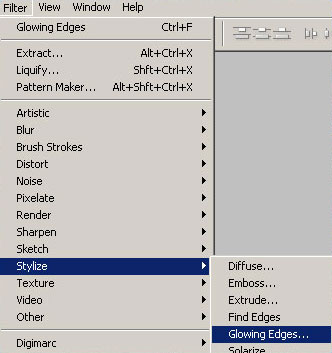
Now go to Filter > stylize > Glowing Edges
Use these settings:
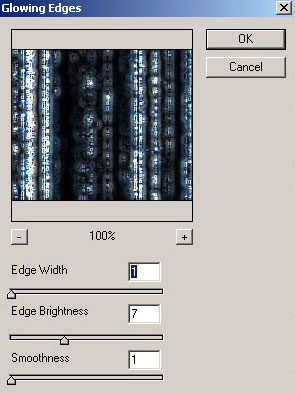
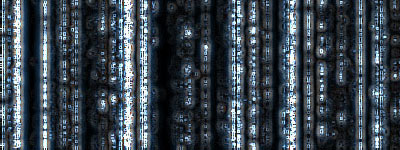
And there you have it! This is the final product:
I hope you liked this tutorial.
