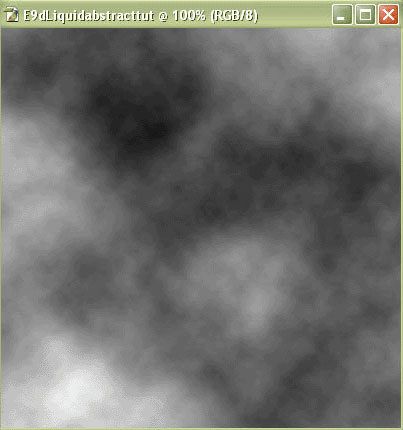
1. Start with a 400x400 px image. Then do Filter > Render > Clouds 3 times.
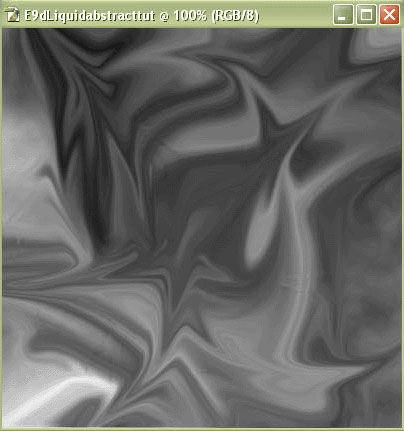
2. Then Filter > Liquify. Make the design look similar to this:
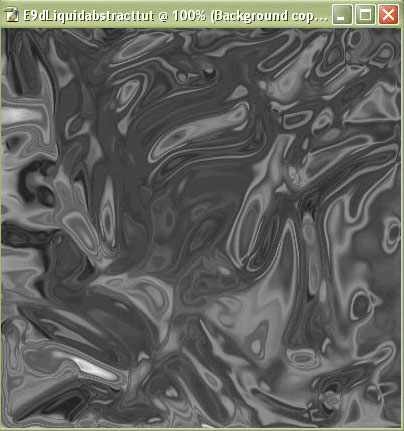
3. Duplicate the layer. Then Filter > Sketch > Chrome
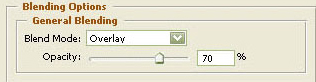
4. Right click on the duplicate layer. Then Blending options. Set blend mode to overlay and the opacity to 70.
5. Merge the two layers together (press Ctrl+E)
6. Press Ctrl+U. And set the color of your choice.
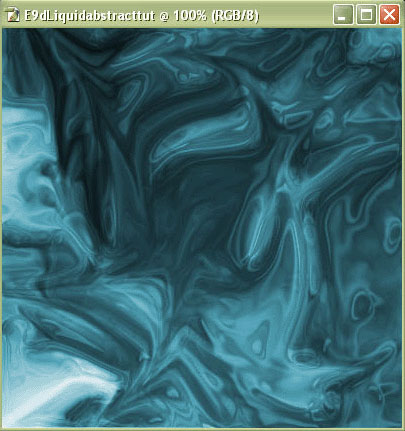
7. Press Image > Adjustment > Auto levels.
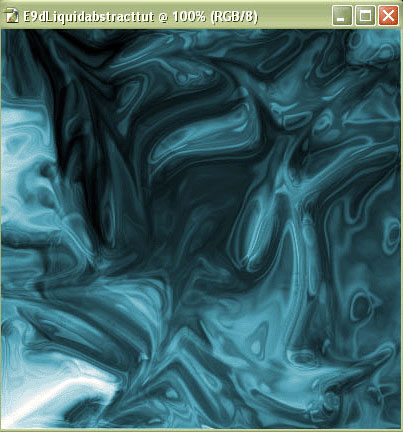
8. You're done!
