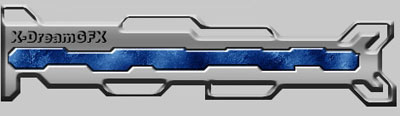
Making a Banner
1. Start opening a new image 500x350
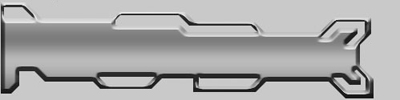
2. Get out your polygonal lasso tool and make a tech selection with straight edges, hold shift while doing this.
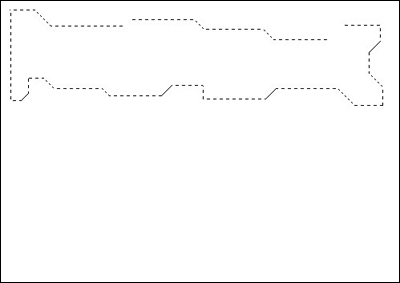
3. Now hold the Alt button to deselect some parts of it, to have it even more tech.
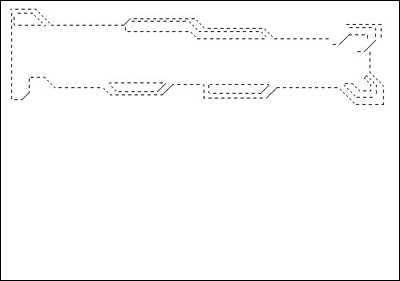
4. Now fill the selection with black on a new layer.
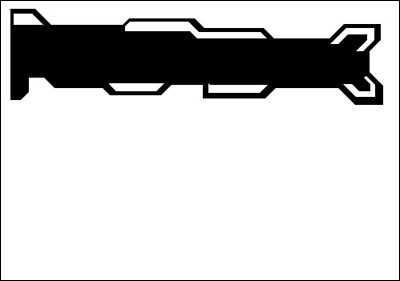
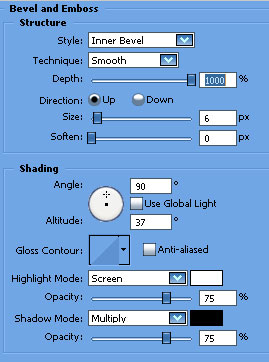
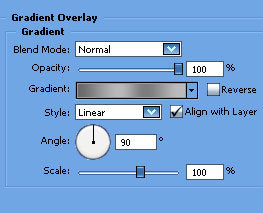
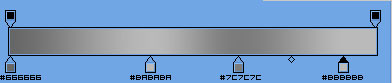
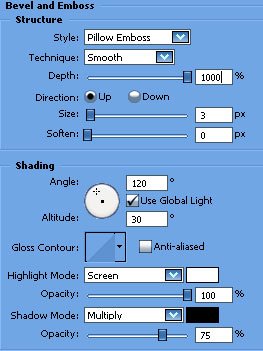
5. Now open the blending options and use these settings:
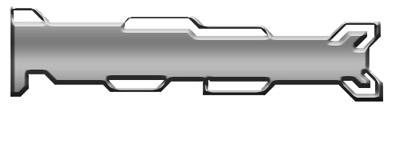
6. Now you can delete the Background layer so it will be transparent around it.
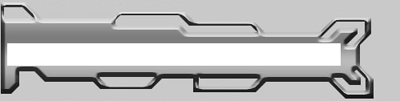
7. Make a new layer and get out the Rectangular Marquee Tool. Make a rectangular selection within the border and fill it with white on the new layer.
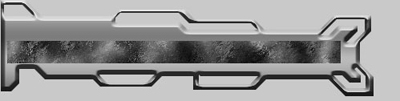
8. Select the white rectangle and mess around with some brushes or filters to make a nice domain banner.
9. If you think that doesn't look good, delete some edges with the polygonal lasso tool. I'm going to make a tech form.
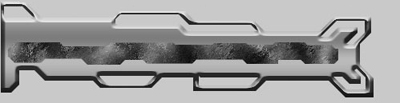
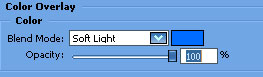
10. Now open the blending options and use these settings:
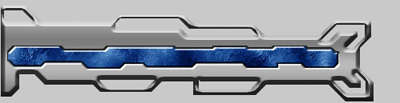
11. Add your domain name and then mix around with the settings on it, and the banner is done.