


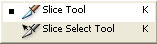
Use the slice tool to select an area that you want to turn into link.
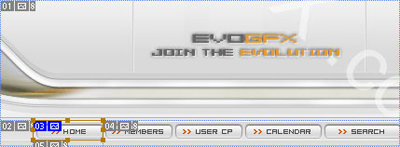
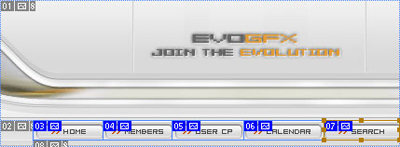
I have selected the Home image. Select all the images that you want to turn into links. I would also have to select: Members, User PC, Calendar and Search in this example. Like so:
When you have all your links finished go to File > Save for Web
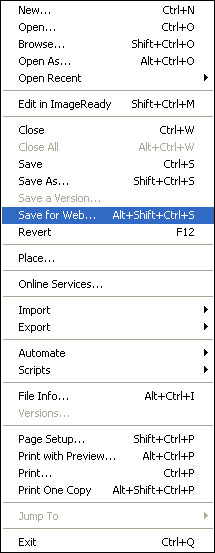
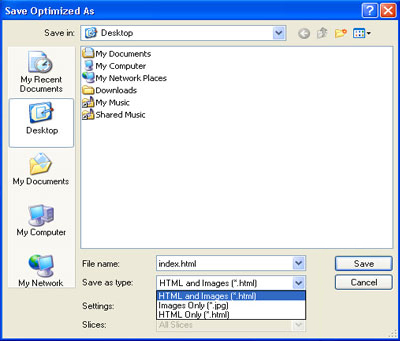
After that save it as HTML and images. Hope this helped you. Couldn't fit as much info as I wanted to show you.
