


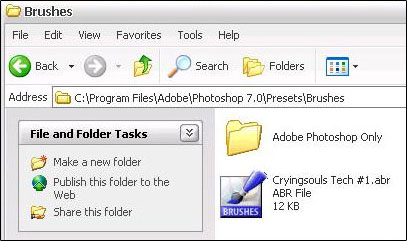
Copy the .abr files into C:Program FilesAdobe Photoshop 7.0PresetBrushes. (The directory will be different if you using something other then 7.0)
Load Photoshop, if its already open, close it and open it again. Click on the brush tool.

Up the top bar there should be the word Brush: click the drop down menu beside that.
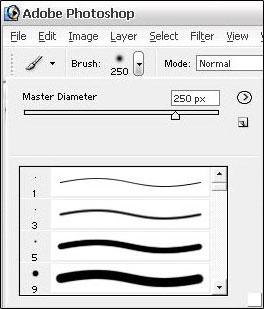
Click on the little circle with the arrow in the middle.
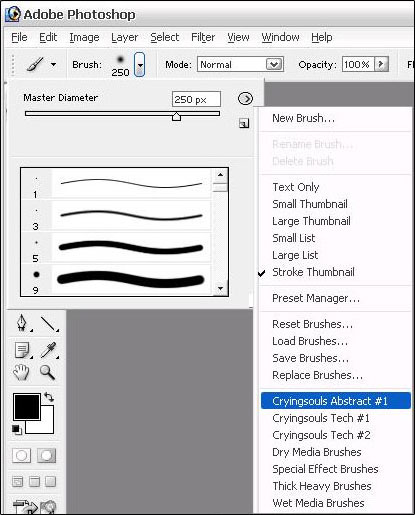
Select one of the sets you just installed.
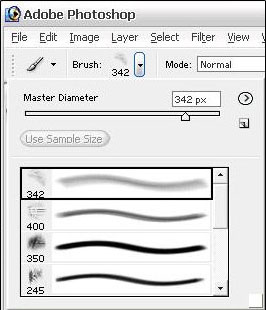
There can change what brush from the brush pack your using by the drop down menu beside Brush:
For how you might use these brushes to make something see my Double Blend Brushing Tutorial.
I hope You enjoyed this tutorial and I hope it helped some of the newbies out there.
