

First download all the fonts you want from a website.
dafont.com is a good one.
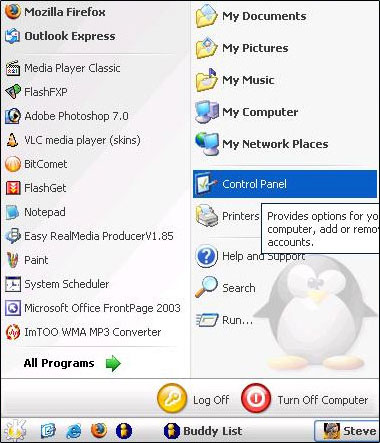
Go to Start > Control Panel
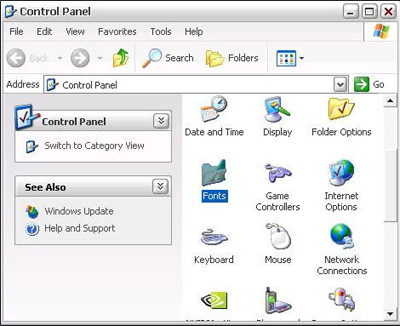
Go to fonts folder
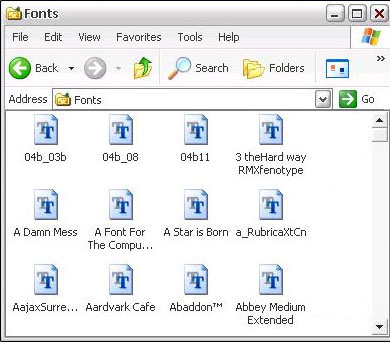
Copy your fonts from where you download them too and paste them into the Fonts folder.
If your image editor was open while you did this you will need to close your image editor and open it again before the fonts will work properly.
I hope you enjoy this tutorial and I hope that you've learnt something from it.
