


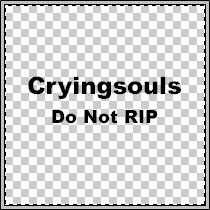
First open up a new pallet, say 200x200 and a transparent background. Then write your name on it, and do not rip or whatever else you wanna put there.
You may skip this step out if you like.
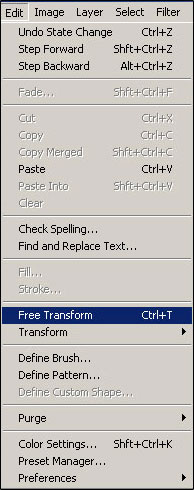
Go to Edit > free Transform or just press Ctrl+T.
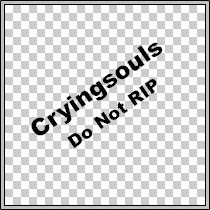
Then flip your text diagonally like the picture below, or however you would like your anti rip pattern to look like.
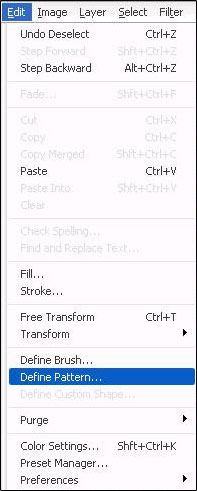
Now just go to Edit > Define Pattern and your done!
I hope you enjoyed this tutorial and I hope it helps you stop evil people from ripping your work!
