


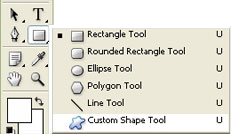
1. Start with a 500x500 px image and select the custom shape tool.
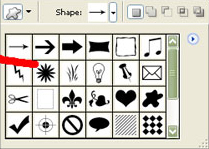
2. Click on the Shape at the top of the tool bar and select The Flower Shape
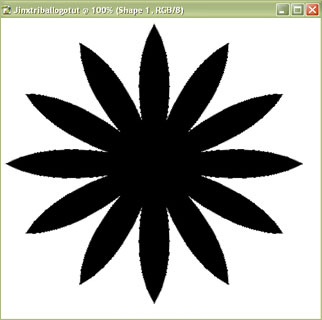
3. Click and drag from the top left corner to the bottom of the right corner. You should have something like this
4. Next rasterize the image. Then go to Filter > Distort > wave and use these settings
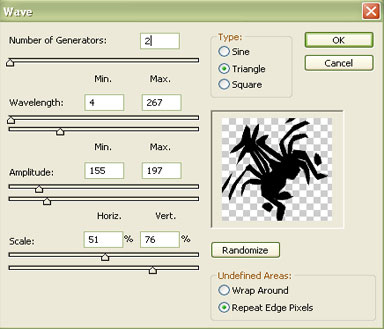
You should have something like this
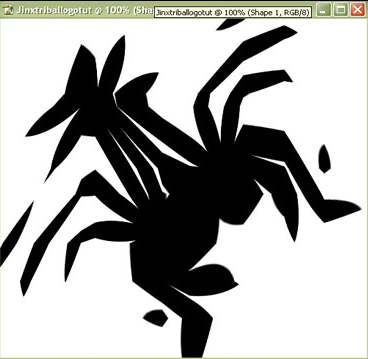
5. Now scale the image down about 3 times its size then duplicate and flip horizontally. you should have something similar
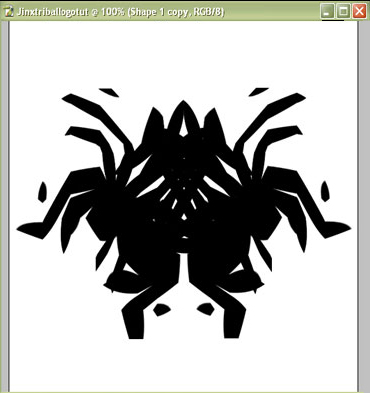
6. Merge the two images press Ctrl+E. Then cut out a shape similar to this
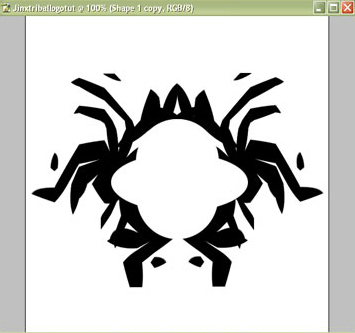
Now give it some color, add some text and you are done.
Here's my final result:

Click to enlarge
