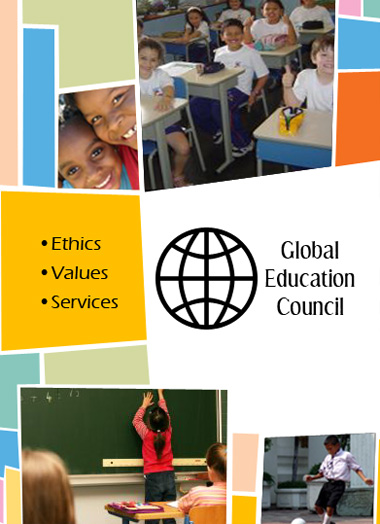
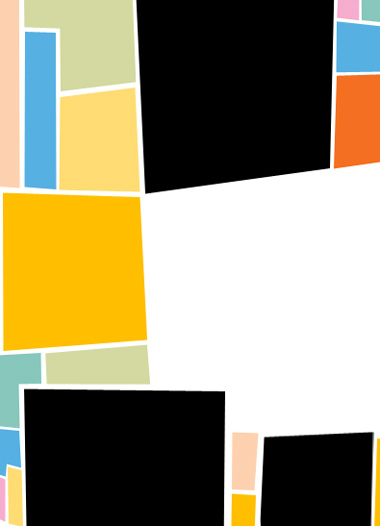
Start by creating a rectangular shape using pen tool. We'll keep sides non uniform.
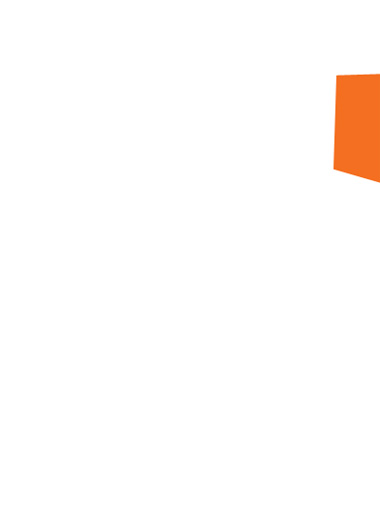
Create another rectangle and use different color.
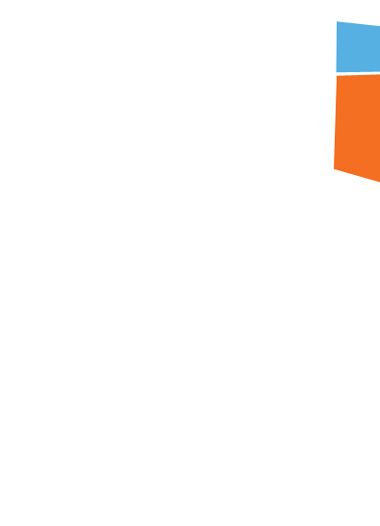
Create some more rectangles.
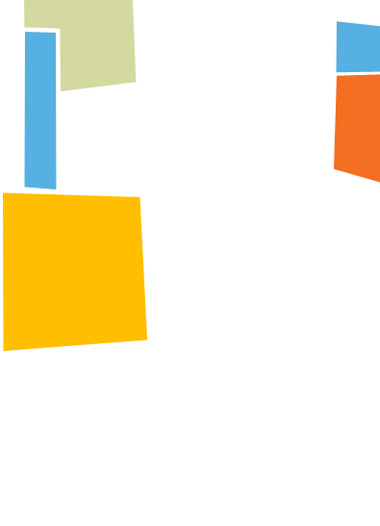
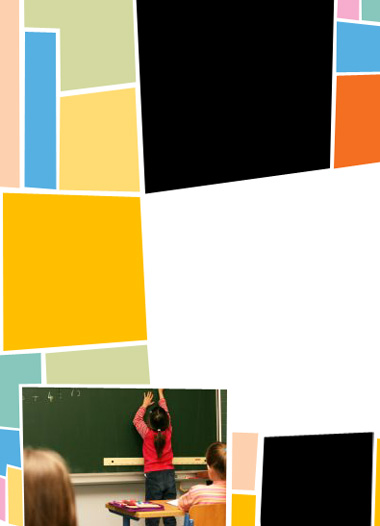
Create some big black shapes to serve as placeholder for images.
Open the image you want to place on the brochure.
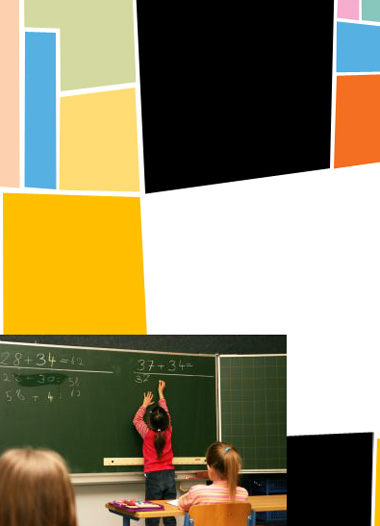
Ctrl+Select the big black rectangle to get the selection below the image layer.
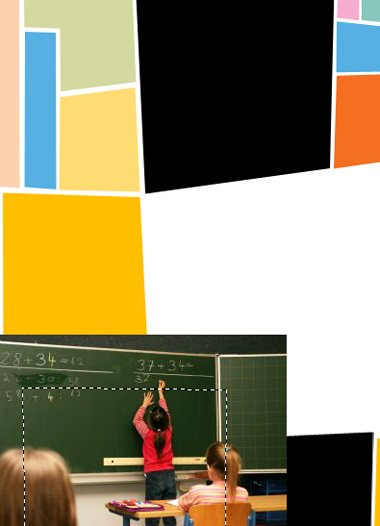
Click add layer mask from the bottom of the layer palette.
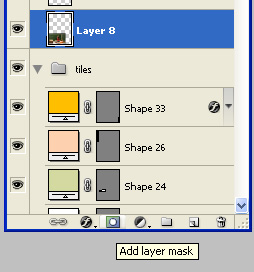
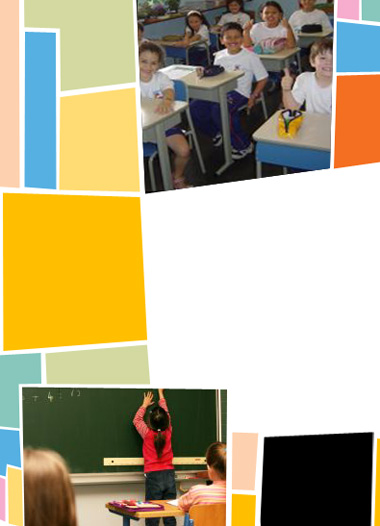
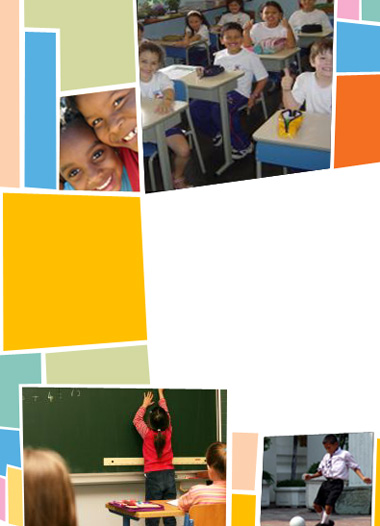
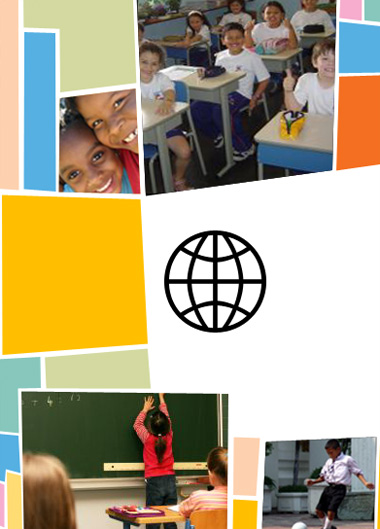
Similarly add other images in the brochure and mask in their respective frames.
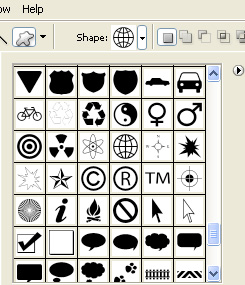
Create a world shape using custom shape tool.
Type "Global Education Council" to the right of the world shape.
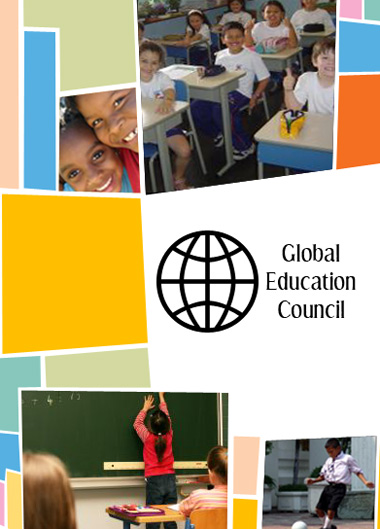
Add other text highlights in an empty rectangle using a nice font.