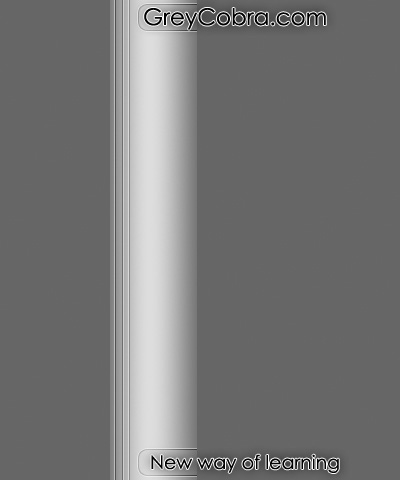
Create a basic incrusted Metal Bar Effect in this Photoshop Tutorial! This is a great lesson for beginner users!
#1
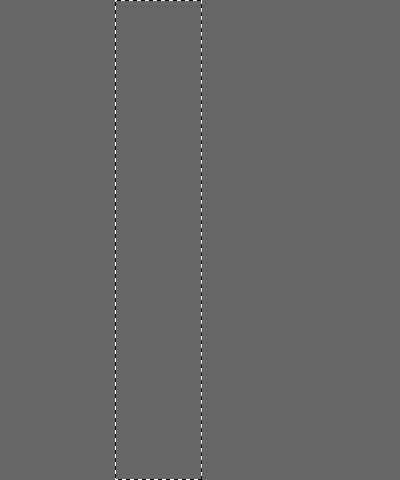
Make a new photoshop document 640x480. This size is of course optional, but will be the document size we use in this lesson. Fill it with a dark gray (#666666) and make a rectangle selection.
#2
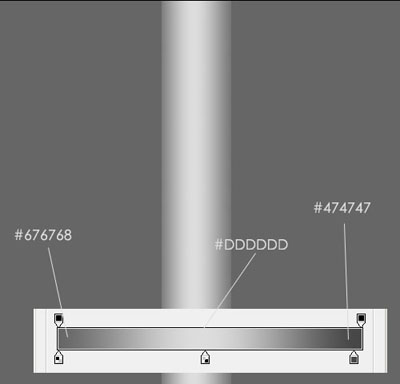
Make a new layer (name the layer ''base'') and fill the rectangle selection with a gradient with theses settings:
#3
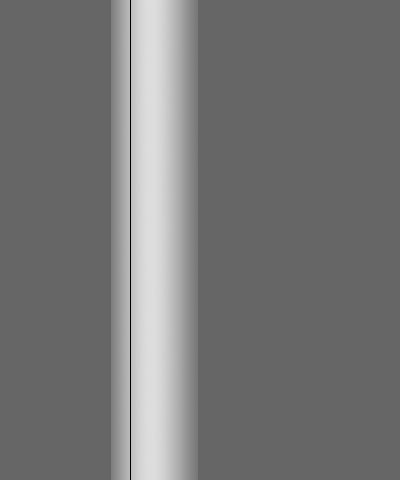
Make a new layer (name the layer ''b-line''. Now, take the rectangle selection tool and make a 1px large selection. Fill the selection with a dark color. Black will be perfect.
#4
Make a new layer (name the layer ''w-line'') and repeat the #3 Step but fill the selection with light color like white. See what should be your result:
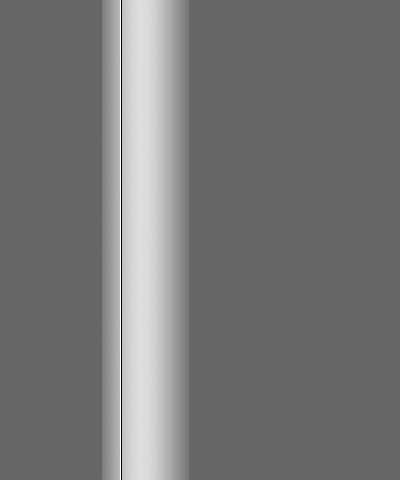
#5
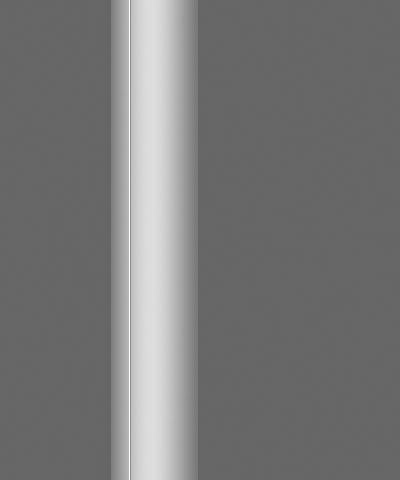
Make a new group and put the layers 2 (b-line) and 3 (w-line) in this group. Set up the blend mode of the group at ''Soft light''.
#Final
Finally, you just have to make your personal touch. I gave you all necessary explanation to make others effects. Just a little trick, use the Stroke tool in Edit > Stroke. I hope I helped you with this tutorial.