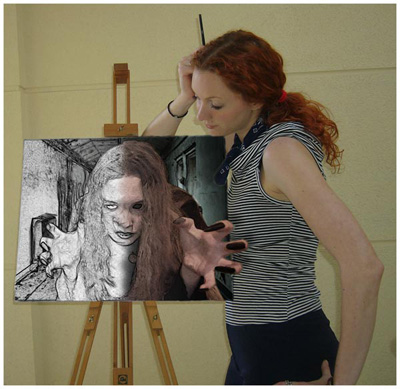
In this tutorial you will a simple way of turning a photo into a basic lineart picture
1. Open your source photo in photoshop

2. Go to filter-->stylize-->find edges
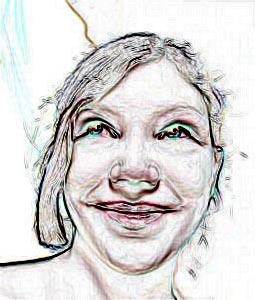
3. Image-->adjustments-->desaturate (shift-control-U)
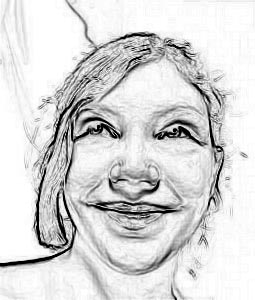
4. Image-->adjustments-->levels (control + L)
Bring the bottom black slider along towards the middle
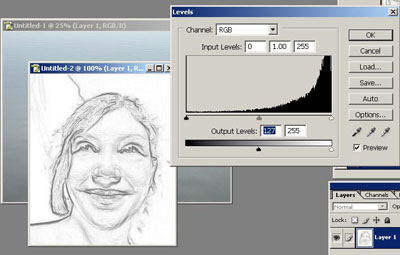
Click to enlarge
5. This is what you are left with
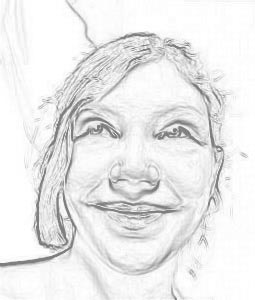
To make the picture better mask out the extra lines that you don't want or that make the picture messy.
I used this technique while working on this picture