


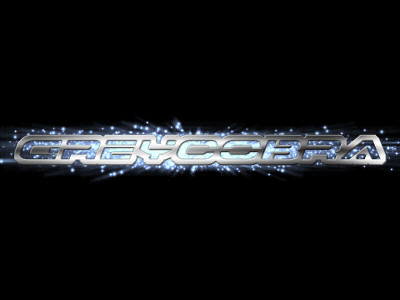
This tutorial will show you an easy way to make an outstanding metallic text effect similar to the ones used in the Need For Speed Underground Games.
1. Open up Adobe Photoshop and create a new document. My canvas size will be 400x300 in this tutorial:
2. Select the Paint Bucket Tool (
 ) from the tool bar in Photoshop, and fill your documents background with black. Although this step is not required, I highly recommend it for the effect we are trying to produce:

3. Select your Horizontal Type Tool (
 ) from the tool bar. Select a Font, a a decent size, then begin typing in your document by clicking where you want to start. You may have to select a different color to make it visible over the black, but your color will be replaced later, so it does not matter what you choose:

4. Turn your Text Layer into a selection by holding Ctrl + Clicking the layer containing the text:

5. Expand your selection by 5-7 pixels (Select > Modify > Expand):

6. Create a new layer. Select the Gradient Tool (
 ) from the tool bar. Select the premade gradient called copper, and then fill your selection with it:

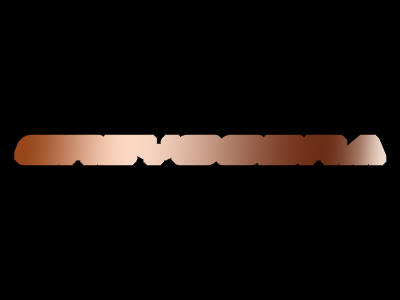
7. Select your text layer again (not the layer you just filled with a gradient), and then cut (Ctrl + X) your selection from the gradient layer:
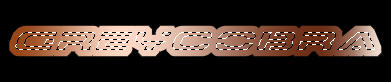
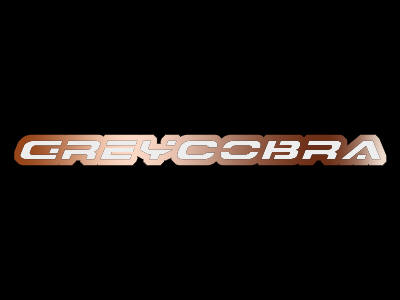
8. Make your text layer invisible so that we see the black canvas behind the gradient layer:
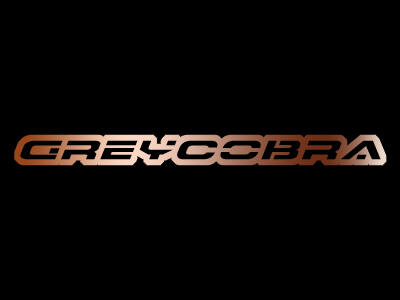
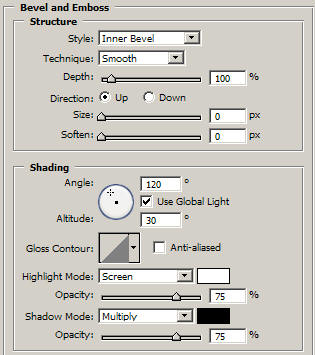
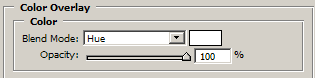
9. Right click your gradient layer, and go to blending options. Add the following blending options:
Bevel and Emboss
Color Overlay
Gradient Overlay (Optional)
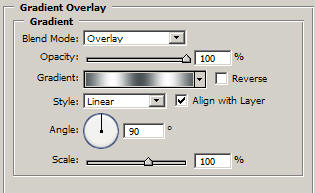
Note: This gradient can be found in the premade metals gradient set.
10. Thats it! You can add color behind your gradient layer for even better effects:
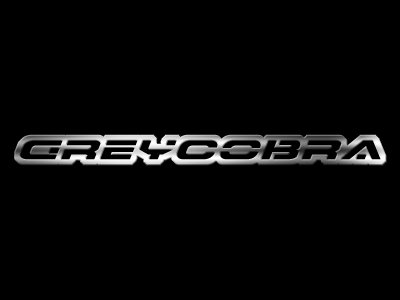
Try adding some abstract particle effects behind it for a great effect.
Good Luck!
