

This tutorial will show you what the metal ball modeling object is used for in Cinema 4D.
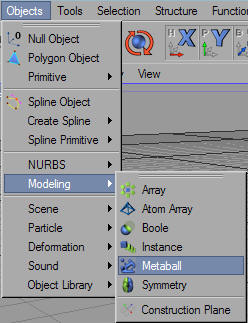
1. Create a new metal ball object. We can do this by going to Objects > Modeling > Metalball:
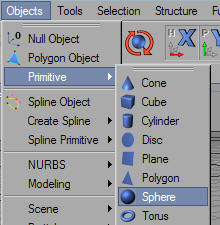
2. Create as many primitive spheres as you would like. Two is a good number to start with. To create a primitive sphere, go to Objects > Primitive > Sphere:
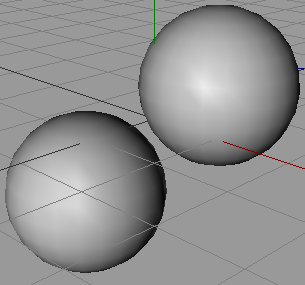
3. In your main view port, move your two spheres so that they lie apart from each other, but still fairly close together:
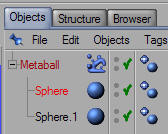
4. In your Objects Tab, drag and drop both spheres underneath your metal bar Modeling Object:
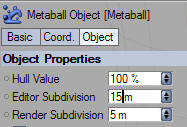
5. Lower the value in your Subdivision level in your metalball object properties to about 15:
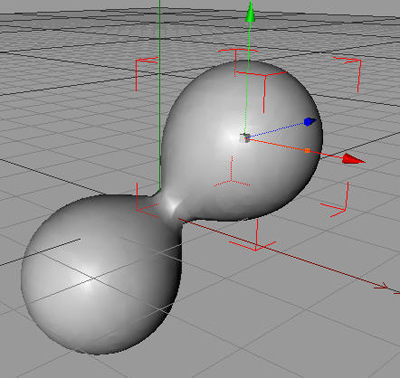
6. As you can see, our two sphere objects have joined together! We can move them around to see how they interact with each other:
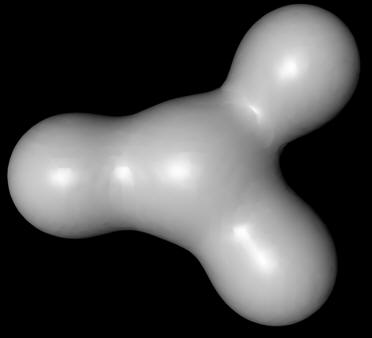
7. To add more, just drag and drop more spheres into your metal ball object:
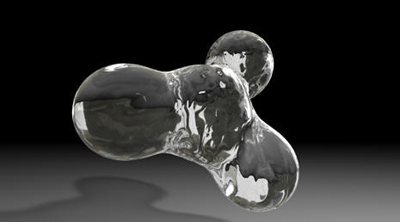
8. This modeling tool is great for making liquid effects, such as the lava inside of a lava lamp. It is also useful when creating abstracts. Here is a quick render after some basic materials are applied and some lighting added:
Good Luck!
