


1. Open up Cinema 4D, and create a new document.
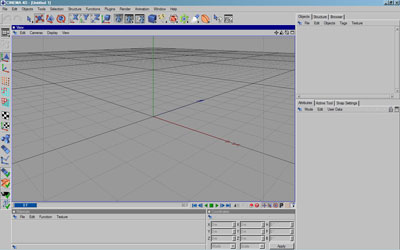
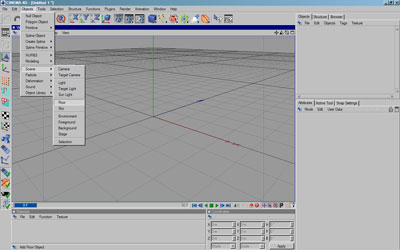
2. Creating a floor is as simple as creating any other primitive object, simply click Objects > Scenes > Floor (Or use the shortcut):
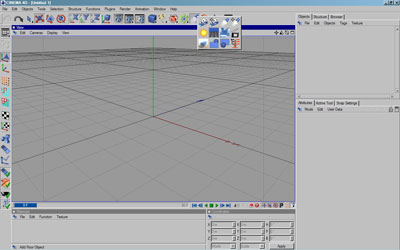
The Shortcut
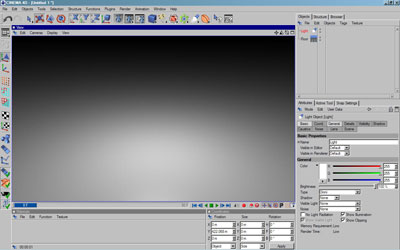
3. Floor objects are endless planes, meaning that even though you will only see a small square, when rendered, it will go on to infinity. When rendered with a light, this is what our floor will look like:
4. Easy! Floor objects act just as regular objects would. We can apply materials to them just as we would a primitive object:
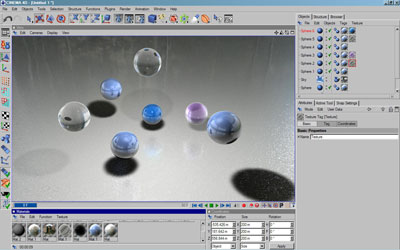
This scene shows a floor object with bump mapping and reflections. There are several primitive spheres in the scene as well as a sky object.
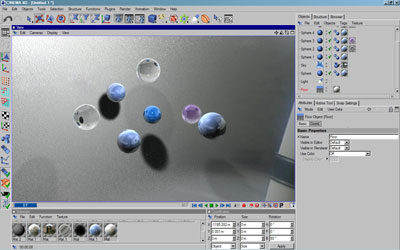
5. Floors can be moved and rotated just like normal objects:
Good Luck!
