

1. Open up the document that you will be adding the border to:

2. Create a new layer, and fill it with white. Set this layers blending mode to darken:

3. Using the darken blending mode will take out all of the white areas in an image. Now we need to add a stroke. Go to edit > Stroke, and add a stroke with the following settings:
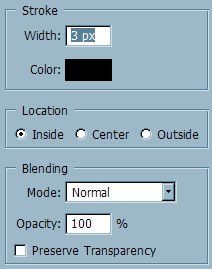
4. A 3px black stroke should appear on the border of your document. Add another stroke:
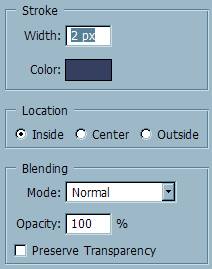
5. Now, add another stroke with a 1 px border:
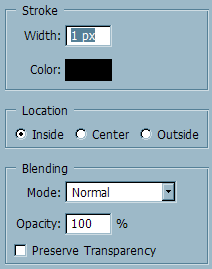
6. And that's it! You should now have a border like shown below:

Good Luck!
