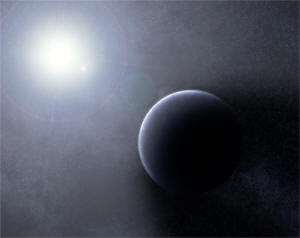
1. Create a new document, or open a starfield with a planet you have made. Use a black background, and create an object somewhere in the scene:
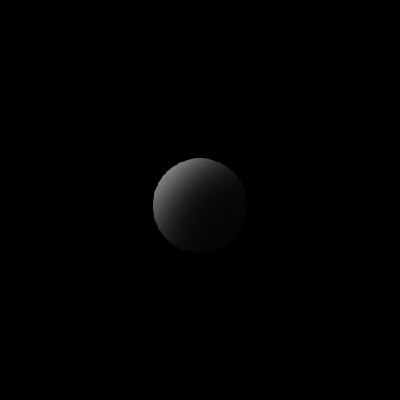
As you can see, I plan to have my lighting come from the top left of the document
2. Create a New layer, and fill it with black. Set this layers blending mode to Screen:
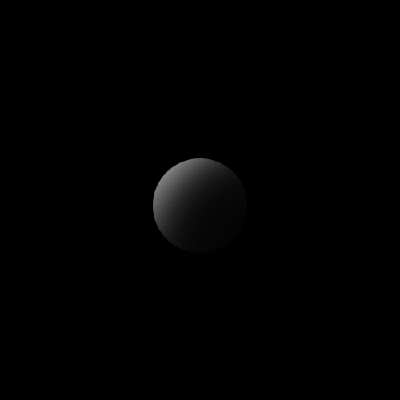
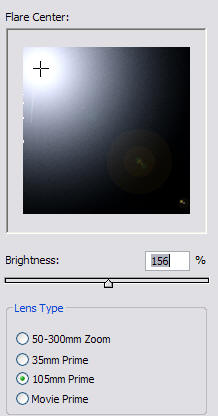
3. Create a lens flare (Filter > Render > Lens Flare). The screen will block out all of the black and keep the white:
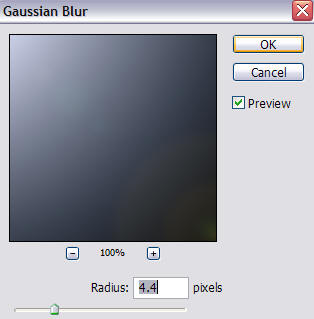
4. If it seems a little sharp, just apply a gaussian blur to it (Filter > Blur > Gaussian blur):
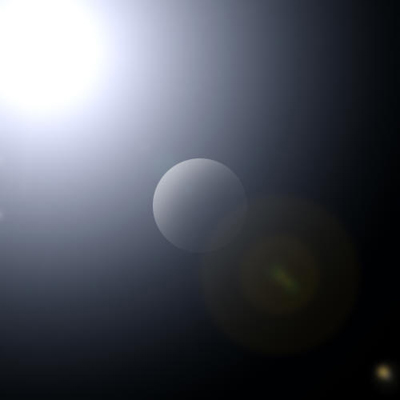
5. Your document may look something like this:
6. Now, grab your eraser tool from the tool bar. Make a brush about the size of your object, with 0% hardness, and erase the light on the opposite side for your object from the light source:
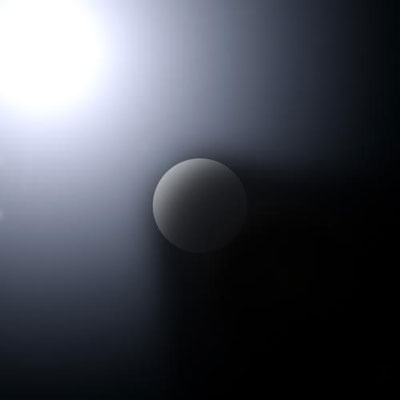
Volumetric light means that your lighting is taking on the physical properties that allow it to move around objects instead of just going straight through them. With a little practice, you can use this technique in space scenes to make your work look like this: