


1.Write something in Photoshop that you want to make 3D.

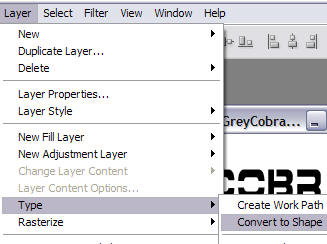
2.We need to convert this text layer into a shape layer. To do this, go to Layer > Type > Convert to Shape:
3.Now go to File > Export > Paths to Illustrator, and save your document as mytext.ai.
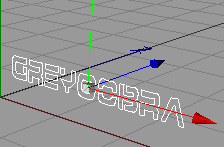
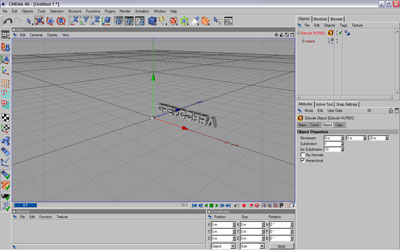
4.Open up Cinema 4D. Go to File > Merge, and open up your mytext.ai file. You will see an outline of your font in the view port:
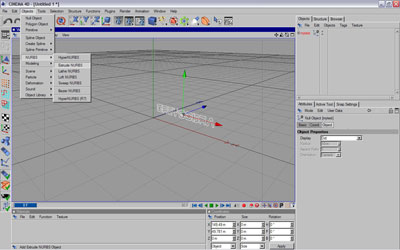
5.Add Extrude Nurbs (Object > NURBS > Extrude Nurbs):
6.Now in your objects palette, drag your mytext object under the Extrude Nurbs:
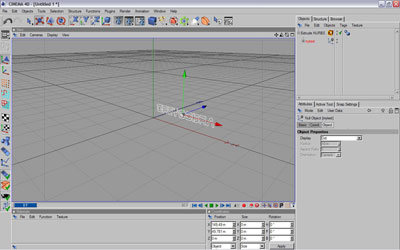
7.In the objects palette, click Extrude Nurbs. You will see some settings in the palette below this one. Check the one that says Hierarchical:
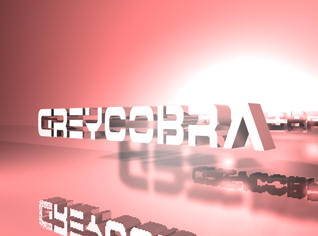
Add some materials, and make any minor adjustments needed and your finished!
Good Luck!
