Learn how to create the bubbles I used in my layout for version 6 of MickM.com. A few people requested this tutorial, so this is you you people! Very easy orbs with a nice smooth shade.
MickM.com Bubble
Learn how to create the bubbles I used in version 6 of MickM.com
Step 1
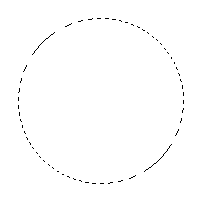
Make a circular selection with the Circular Selection-Tool;
Step 2
Then use this gradient to fill the selection on a new layer;

Step 3
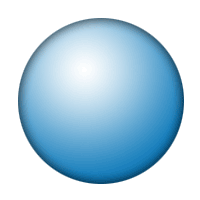
It will come out like this if you start from the middle and drag to the outside

Step 4
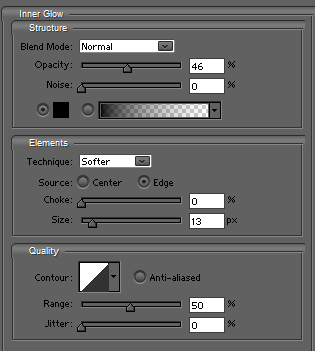
Give the orb an Inner Glow;
Step 5
Make it look like mine below;
Step 6
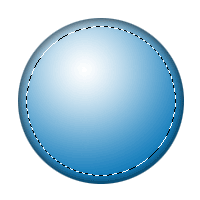
Make a smaller selection inside the bubble;
Step 7
Use the Circular Selection-Tool to cut out a piece of the selection while holding ALT;
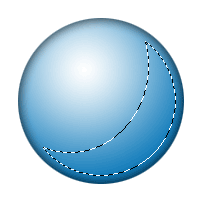
Step 8
Use my Smooth Edges-tutorial to make the selection a bit smoother and fill it with black!

Step 9
Lower the opacity;

Step 10
And duplicate and scale it :)