1. Open Photoshop. Open desired image. We need to convert it first into black & white.

2. Image >Adjustments > Threshold
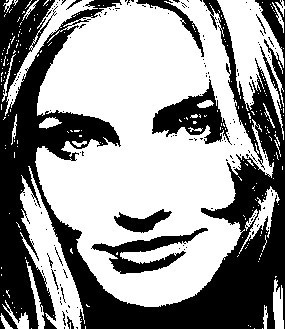
3. Filter > Stylize > Diffuse
Select "Anisotropic"
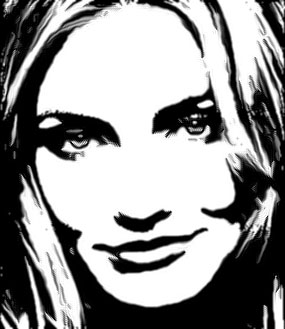
4. Filter > Sharpen > Sharpen More
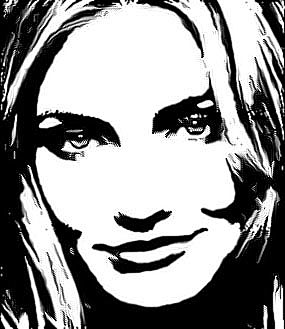
Her


 Level: Beginner Software:
Photoshop
Level: Beginner Software:
Photoshop 1. Open Photoshop. Open desired image. We need to convert it first into black & white.
2. Image >Adjustments > Threshold
3. Filter > Stylize > Diffuse
Select "Anisotropic"
4. Filter > Sharpen > Sharpen More
