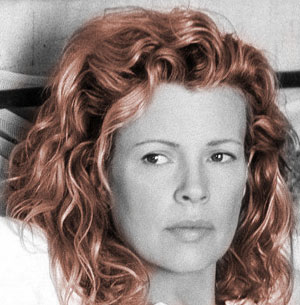
1. Open an image.
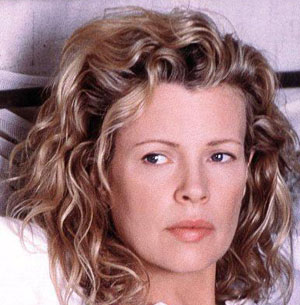
2. Change it to gray scale using Image > Adjustments > Desaturate
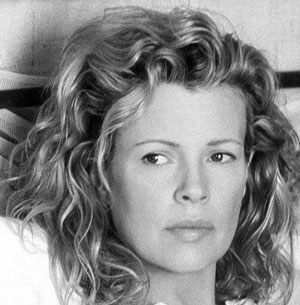
3. Select hairs using Quick Mask Mode Technique. Learn it in detail from Quick Mask Mode Tutorial.
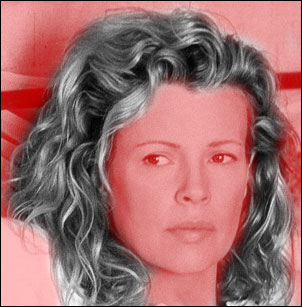
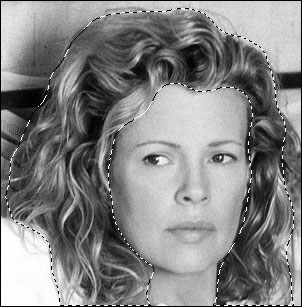
4. You will get the following selection.
5. Layer > New Adjustment Layer > Hue/Saturation
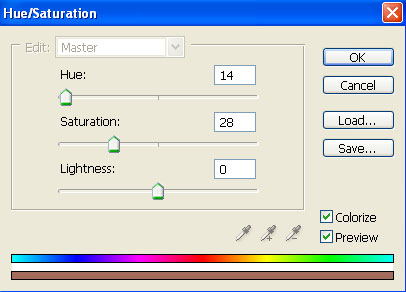
6. Click OK and you will get Hue/Saturation box. Check Colorize button ON. Move the sliders to get following values.
7. Try to match the color with original and experiment using different values.