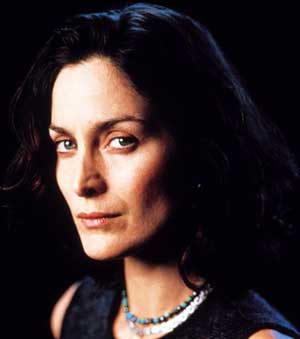
1. Open an image.
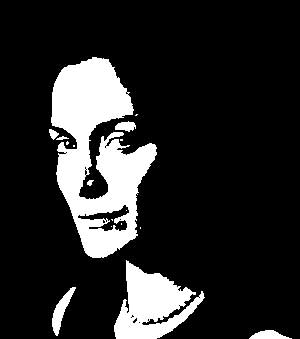
2. Image > Adjustments > Threshold
3. Image > Adjustments > hue/Saturation
Check the "Colorize" option ON.
Experiment with different colors.
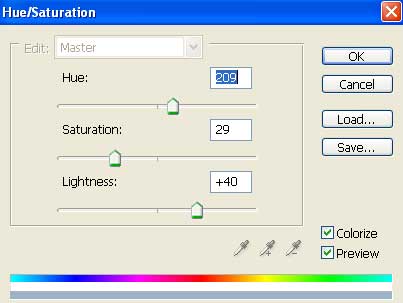
4. You will get following color with the readings mentioned above.

Her

 Level: Beginner Software:
Photoshop
Level: Beginner Software:
Photoshop 1. Open an image.
2. Image > Adjustments > Threshold
3. Image > Adjustments > hue/Saturation
Check the "Colorize" option ON.
Experiment with different colors.
4. You will get following color with the readings mentioned above.
