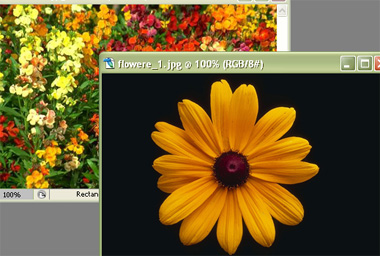
Start by opening a couple of images. Make sure the size of both the images are same.
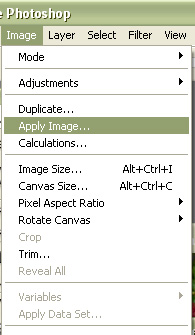
From image menu select apply image.
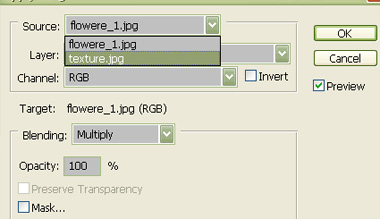
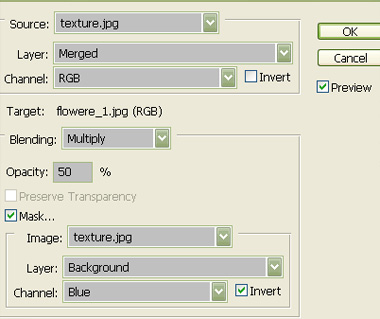
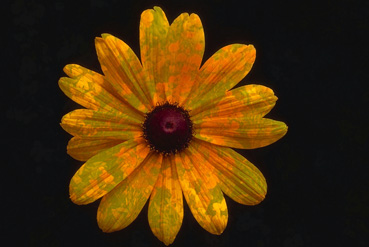
Change the source of the image and use settings as shown. You can apply various blending modes to the image.
s
Her


 Level: Beginner Software:
Photoshop
Level: Beginner Software:
Photoshop Start by opening a couple of images. Make sure the size of both the images are same.
From image menu select apply image.
Change the source of the image and use settings as shown. You can apply various blending modes to the image.
s
