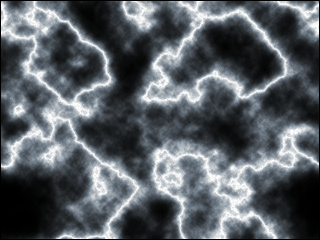
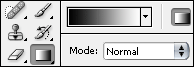
1. Start with creating a new document, make it white. Select the gradient tool (g), press d to reset your foreground and background color and draw a lineair gradient from top to bottom (hold shift to draw a straight line)

2. Filter > render > clouds
Filter > render > difference clouds
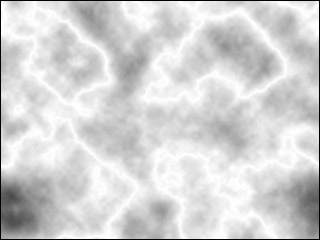
Hit ctrl+i to invert your image
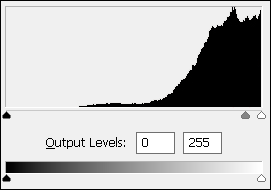
Go to image > adjustments > levels (ctrl+l) and move the middle handler to the right as shown below
Now play around with the hue/saturation (ctrl+u) to add some color to your lightning