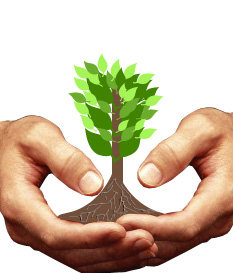
Create a new file. Insert a hand cutout.

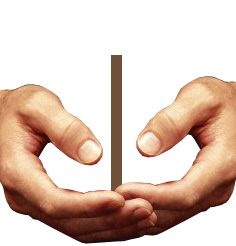
Duplicate layer. Press Ctrl+T. Right click the layer and select flip horizontal.

Create a rectangle using rectangular shape tool.
Create an ellipse using elliptical shape tool.
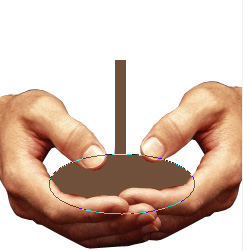
Select the ellipse path using direct selection tool. Select convert point tool. Click on the top node of the ellipse.
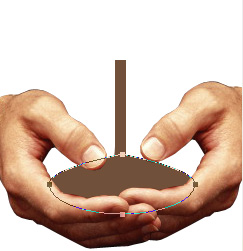
Move a few pixels upwards.
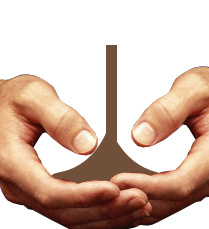
Select brush tool to create roots of the plant using a light brown color in a new layer.
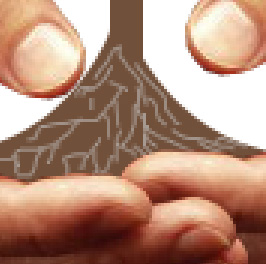
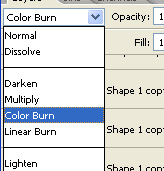
Change the layer mode to color burn.
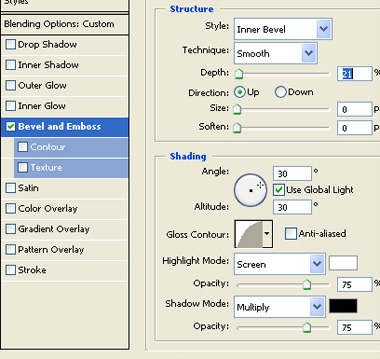
Double click the layer to open layer style window. Apply layer style with the settings shown.
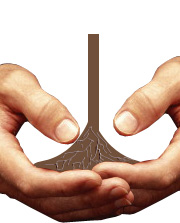
Create a leaf shape using custom shape tool.
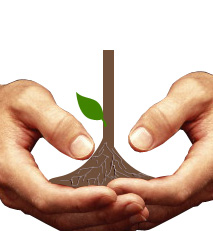
Create a few more leaves and place as shown in the image below.
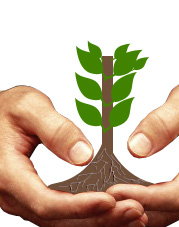
Create more leaves with different shades of green.