1. Make an 800x600 window with a black background.
2. With your lasso tool make a star kind of shape
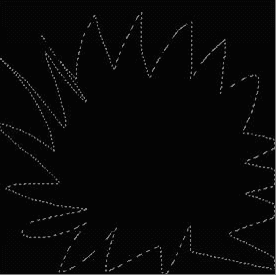
3. Then fill the star shape in white.

4. Then goto FILTER > BLUR > RADIAL BLUR. Set it to 100 - zoom - best
Should look like this
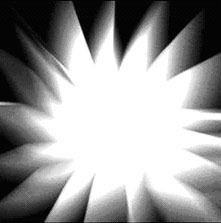
5. Do this a couple of times. ( 2 or more )
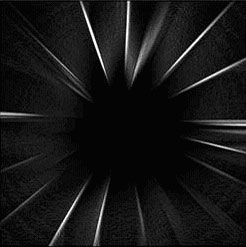
Go to FILTER > STYLES > FIND EDGES. Once you have done that, press Ctrl I
Should look like this
6. Now go to FILTER > DISTORT> TWIRL. Set it to 300.
7. Make a copy of the background, then repeat step 5, but in the OPPOSITE direction.
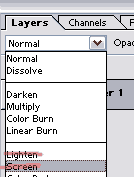
Then press it to SCREEN or LIGHTEN
Then fiddle around with the colors, this is what I came up with.