1. Open a new document, 400x400.
2. Click "D" to get color defaults.
3. Filter>Render>Clouds.
4. Filter>Stylize>Glowing Edges with default values.
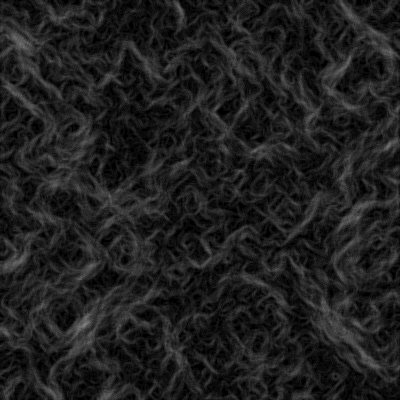
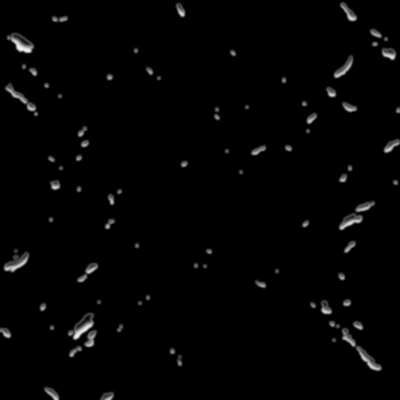
5. Filter>Sketch>Plaster with Image Balance=15 and Smoothness=2.
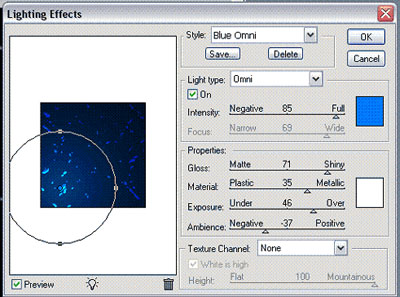
6. Filter>Render>Lighting Effects and choose Blue Omni. Make the circle about twice as large as the default value and place it on the bottom left-hand corner.
7. Filter>Sketch>Chrome with Detail=5 and Smoothness=10.
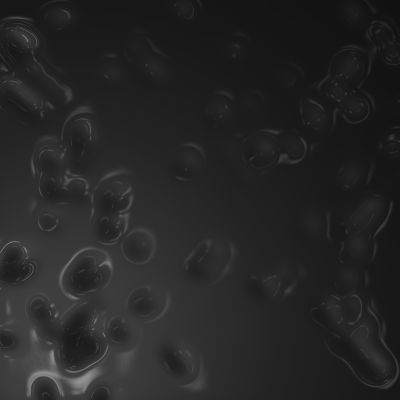
8. Use the Clone Stamp tool to wipe away any bad looking parts.
9. CTRL+U Hue/Saturation and you're done!