
Hi, This is the finished product from this tutorial, a quite "sinthetic" beauty.
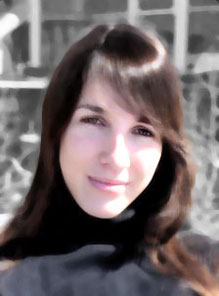
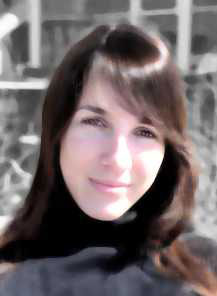
I am going to show step by step how to do it. This is the image we are going to use.
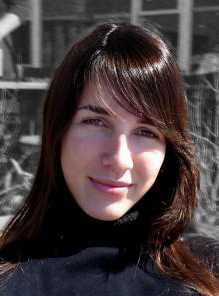
Duplicate the picture's layer and apply Filter > Noise > Median. Use about 4. Now create a mask layer, on this layer you just "noised".

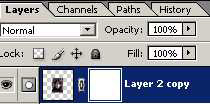
Use a soft and black brush and paint some details on the girls face with black color. You can paint her eyes, nose and mouth.
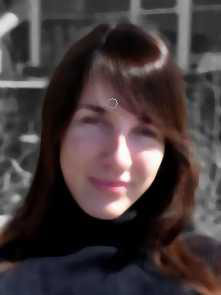
Now go to Layer > New Adjustment Layer > Hue/Saturation, use the following settings:
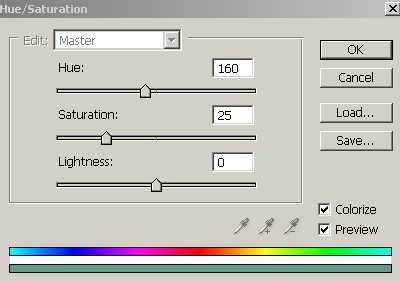
Put this "adjustment layer" as Screen. (This is important)
Now you can duplicate this adjustment layer, but now put it as "Normal", (besides Screen) Your image is looking like this now.
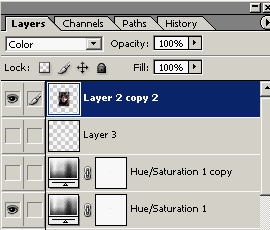
Now duplicate the first layer we had, with the original picture. Put this layer above all the others, and set the mode of it as "Color".
Now on the original layer we still have on the bottom, go to Layer > New Adjustment Layer > Brightness and Contrast.
Now you can play with the settings to find nice or weird results :)
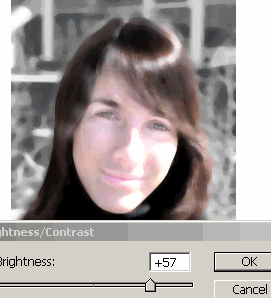
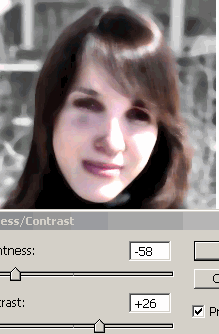
As we are not looking to make fun with her, we are going to use this settings:
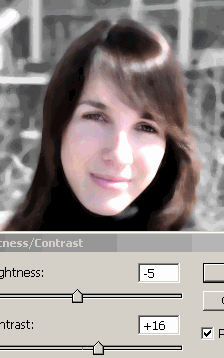
We are done! (the above image is low quality)
Hover over to see "before" image.
This tutorial can be also used for taking out skin marks, etc. I hope that you enjoyed the tutorial. Thanks!
