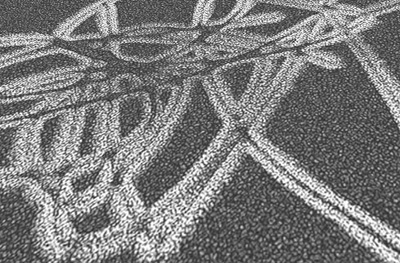
Start a new document 600x600 (or any size you want), then use the BRUSH tool with brush size 21 SOFT EDGE, and foreground color set to black. Just scribble on the canvas.

Now apply the polar coordinate filter: Filter->Distort->Polar Coordinates (Polar to Rectangular)
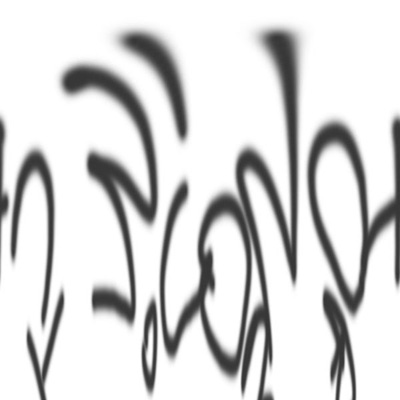
Now rotate the canvas: Image->Rotate Canvas->90CW
Then Invert: Image->Adjustments->Invert
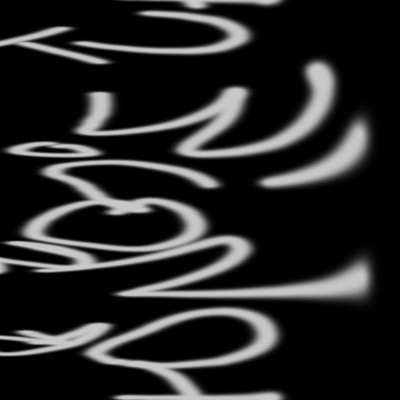
Now apply this filter: Filter->Stylize->Glowing Edges
Width: 2
Brightness: 6
Smoothness: 5
Now apply this filter: Filter->Stylize->Wind
Method: Wind
Direction: From the right
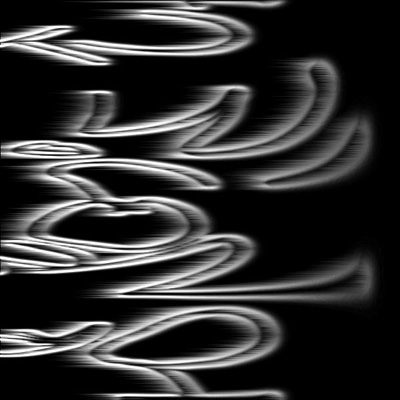
Rotate the canvas back to normal: Image->Rotate Canvas->90CCW
Then apply filter: Filter->Distort->Polar Coordinates
Options: Rectangular to Polar
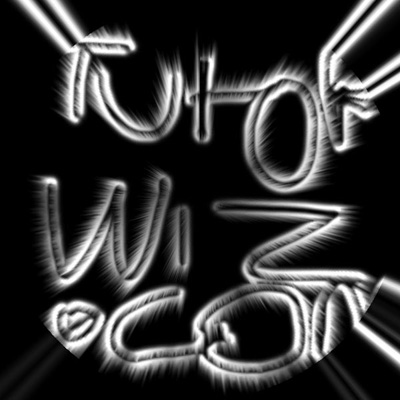
Now the final step is to apply the filter: Filter->Sketch->Reticulation
Density: 13
Foreground Level: 50
Background Level: 6
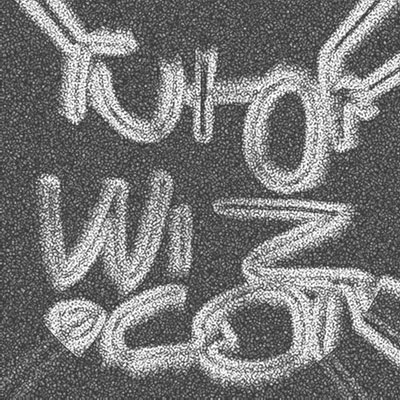
You can use the Transform tool to adjust your image's angle so it looks more like a road's surface. (Use Edit->Transform->Skew, then pull the top handles inward.)