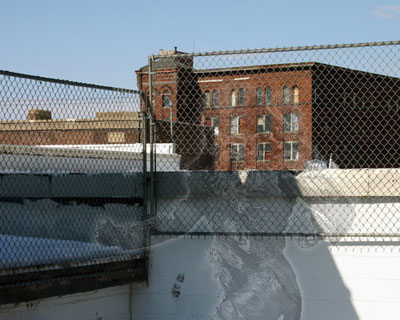
Learn how to re-create the cloaking-effect that was used on the Predator-movies...
Step 1. First off, get out your picture and make sure it has no background. It needs to be a render that has been cut out of a scene;
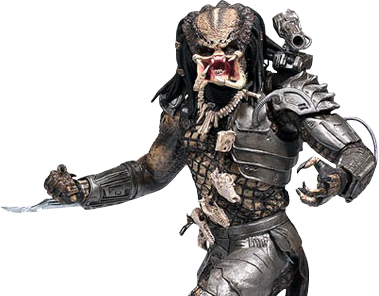
Step 2. Then press CTRL+SHIFT+U to desaturate which makes it all black and white;
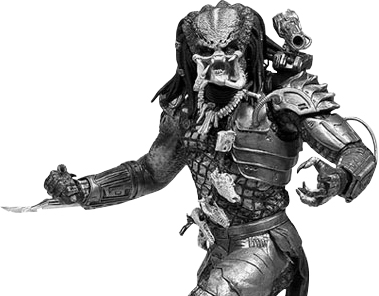
Step 3. Save the image as a .psd file and leave it.
Then open up your image of where the cloaking must take place;
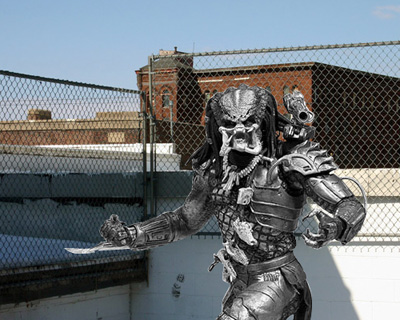
Step 4. After importing the render from your previous document, and dragging it over onto the scene, select that layer;
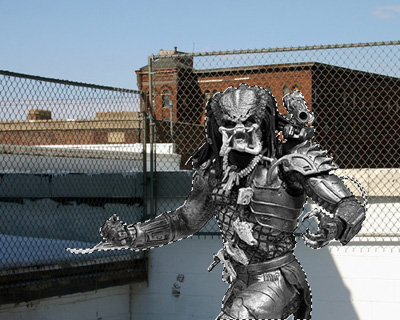
Step 5. Go to Filter>Distort>Displace and press ok and select the .psd you just saved;
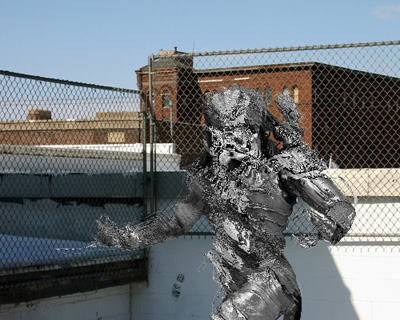
Step 6. Lower the opacity to a desired amount. I chose something around 20;
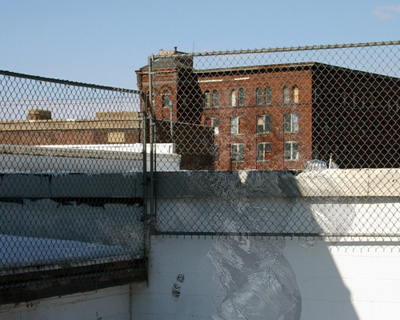
Step 7. Then add a small white outer glow, and you're done!