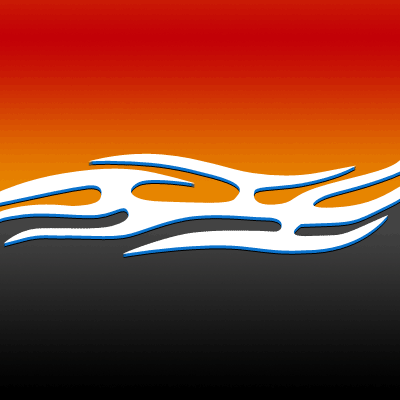
As seen on Pimp my Ride as the perfect car-vinyl!
Step 1. Open up a new image any size create or add a tribal-kinda flame thing;

Step 2. Copy that layer and move it down a few pixels and press CTRL+U and change the color to blue;
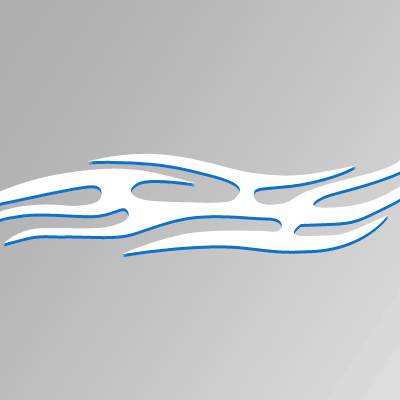
Step 3. Copy that layer and make it black and move it down 1px. Also make sure, it looks like my image below!
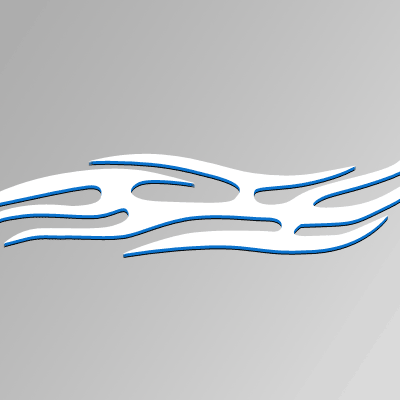
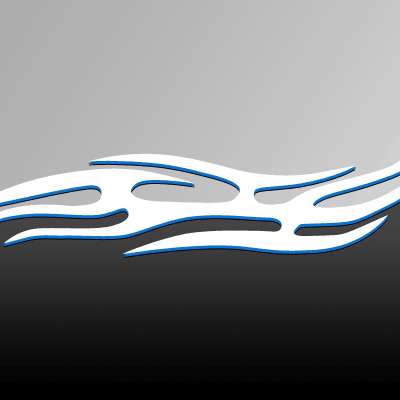
Step 4. On the bottom-half of the image, create a black-grey gradient on a layer BEHIND the flame;
Step 5. On the other half, do the same with a red-orange gradient.
This technique can be used on a very big scale, and it would look great on a car!