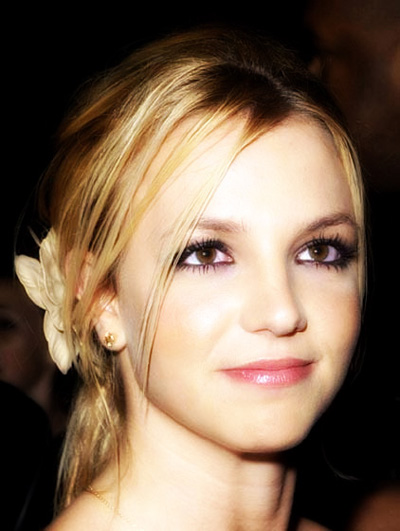
1. Select your photo that you want to enhance this works miles better with a close shot picture instead of one of those that show your full body and make sure its a photo of your face not one with your family.
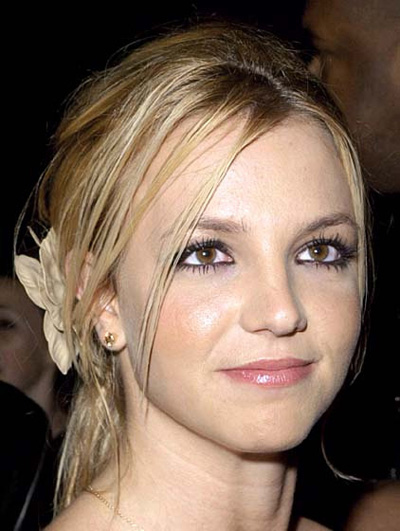
2. Now Duplicate the photo layer and now apply these settings - Filter - Blur - Gaussian Blur as shown below.
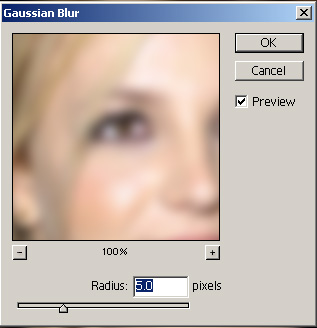
Now it will look like mine as shown below it might look a little blurred but its ok for now
3. Now on the layer menu side you will have 2 layers your normal photo and your blurred layer not you want to click on the options as shown with the arrow you want to go to Hard Light as shown below.
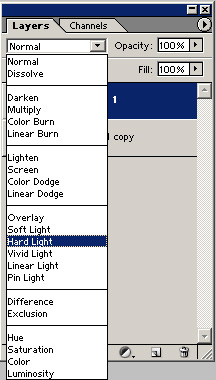
4. Now your image should look like mine as shown below. Roll over to see the difference