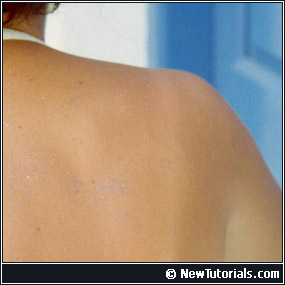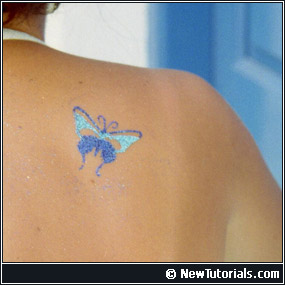
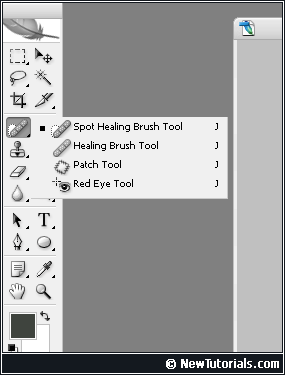
The first thing you need to do is to find and select Spot Healing Brush.
Use the screenshot on the left if you need help finding this tool.
Now use Spot Healing Brush to cover the object that you want to remove from the image.
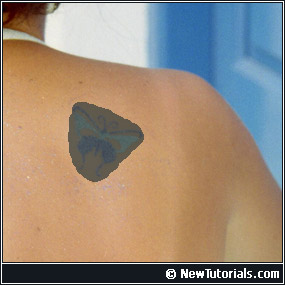
When you release your mouse button the object should be gone. Magic!