

With this effect you can give all your drawings this vector style effect.
Open up a new image, the cleaner the image the better this effect will be. The colours you have as your foreground and background colours can also affect the outcome of the result.
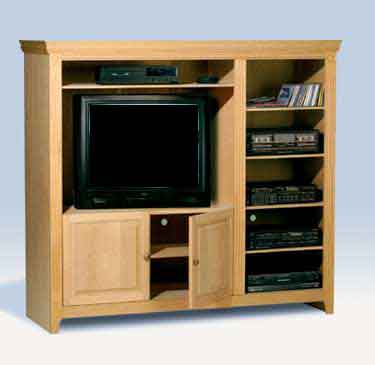
This is the image that i have used, as you can see it is nothing to complicated.
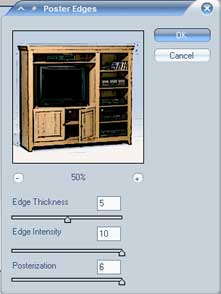
To start, click on filter > artistic > poster edges and play with the settings, I have used the following settings for this tutorial.
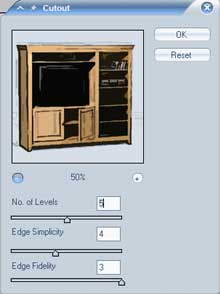
Next go to filter > artistic > cutout, again you can play around with the settings to get whatever effect you want but I have used the following.
Depending on what settings you have used throughout and your starting image your image may differ somewhat to my finished result. This is what i finished up with.
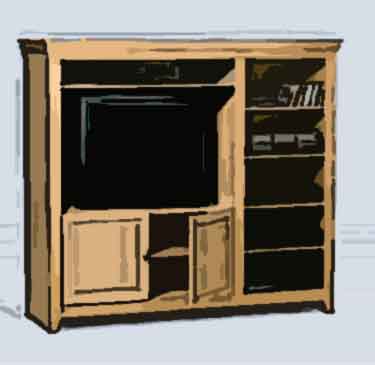
Different settings will bring out different results, play around to get your desired effect.
