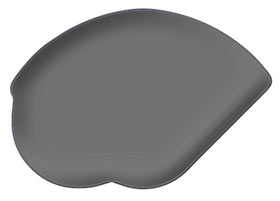
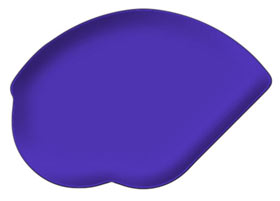
First of all, the cd is much bigger than you see here. It's about 1000*1000 pixels. This is so you can work better with the details. And remember that this is a guide and a kick in the right direction. I´m not showing you how I did every little thing. The language causes some trouble for me but I hope that you can follow it thru. This tut has a lot of layers, so to make it easier you better use Layer Sets. One for the body, display, details etc. It's under Layer>>New>>Layer Set. You can see the result at the end of the tutorial or in my gallery (www.brusberg.net).
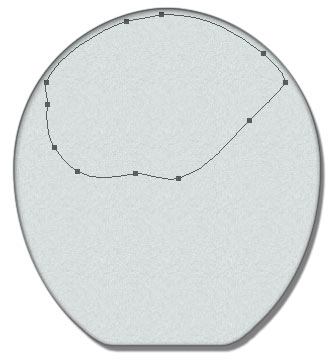
First of all you need to draw the shape of the cd using the Pen Tool (
 ). I didn't use the pen tool when I draw this shape, but this is how I should do it now. Therefore the anchor points seams to be placed in strange places.
When your finished, right click on the shape and fill it with white. You can also Define Custom Shape (Editmeny) before you erase it.
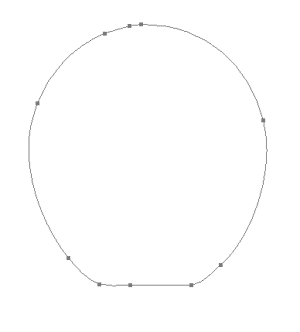
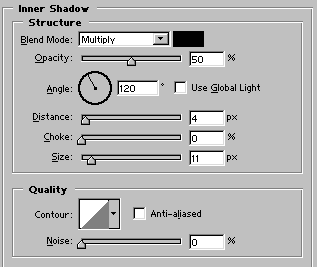
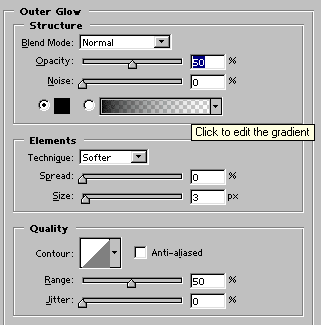
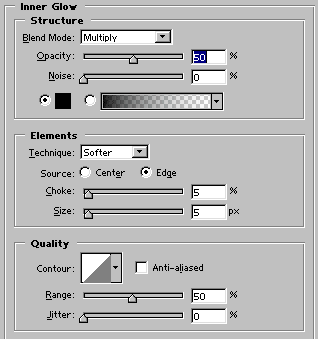
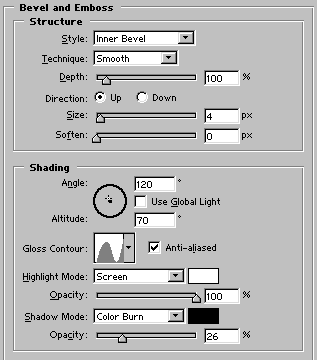
This is the base of the cd so take your time to draw it. Once you get to know the pen tool you are going to love it : ). Duplicate the base layer and put some layerstyles to the new layer. I used these settings:
Drop Shadow
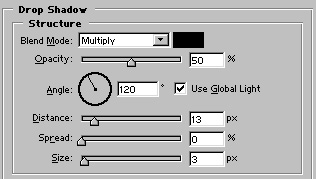
Inner Shadow
Outer Glow
Inner Glow
Bevel and Emboss
Contour
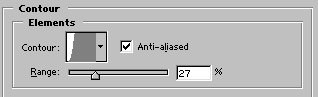
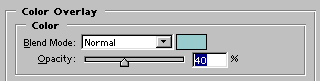
Color Overlay (#99CCCC)
Pattern Overlay (A noise pattern)
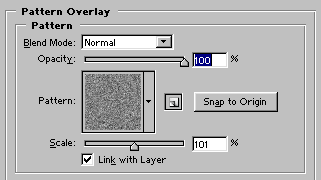
The last thing I did was to lower the Fill opacity to 32%. That's why you need the white layer beneath.
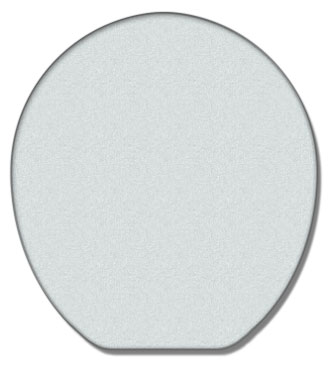
Back to the wonderful world of the pen tool. Make a new layer and start drawing the shape that we are going to make metal blue. When you finished, right click and choose make selection. Dive into the channelpalett and save selection as channel.
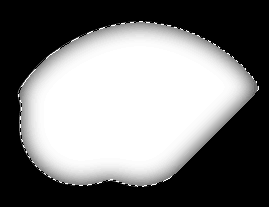
Let the selection be active and go to Filter>>Blur>>Gaussian Blur, radius - 20 pixels. Now it will look like mine above to the right (that's what I hope).

Return to your pic and make a new layer and fill you selection with mediumgrey. Go to Filter>>Render>>Lightning Effectca. Last but not least you go to Image>>Adjustments>>Hue/Saturation and make sure that Colorize is checked. Make your choize of color.
I almost forgot, I also added Outer glow, black, blend mode=normal and size 5. This is to get it up a little bit.