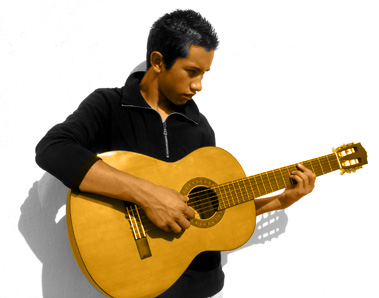
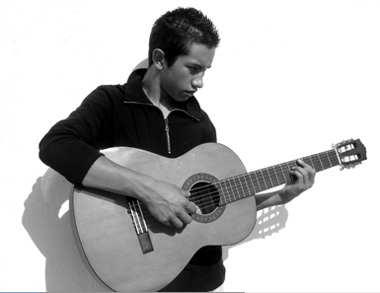
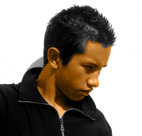
Start by opening a black & white image.
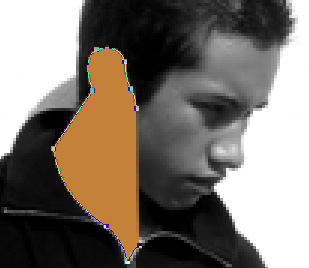
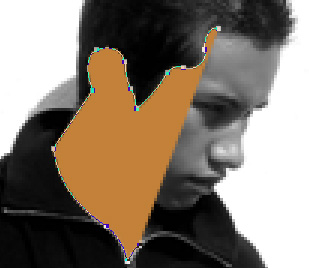
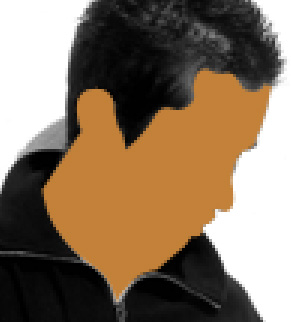
Take tan as a foreground color. Using pen tool draw a path covering face area.
Similarly create a path covering his arms.
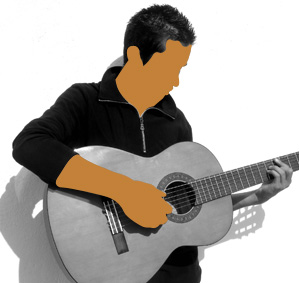
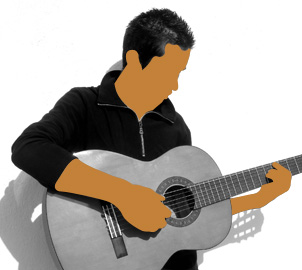
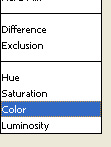
Change the layer mode to color of all the path layers.
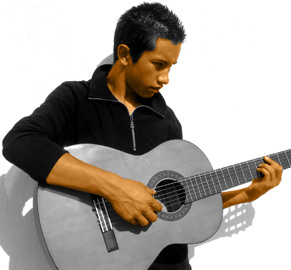
Take a different shade of brown as a foreground color. Create path covering the guitar.
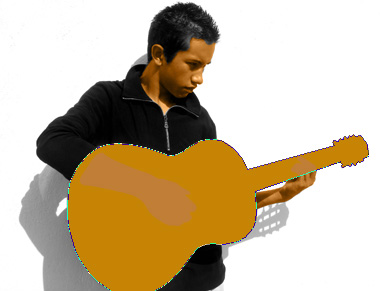
Change the layer mode to color. Move this layer below the arms path layers in layer order in layer palette.