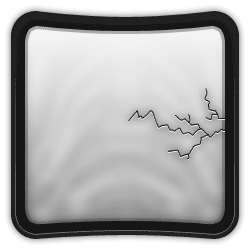
Very easy, very handy, very cool to use... I'm gonna say "very" again... Very!
Step 1 Get out an image of anything where you want to apply this effect to
Step 2 Get out the Brush-Tool at 1px and use "El Shaky Hand" to draw cracks. Which means just shake your hand to draw cracks ;)
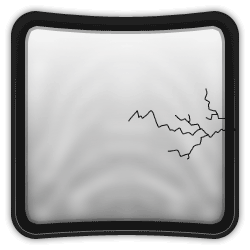
Step 3 Select the Move-Tool and while holding ALT and having the crack-layer selected, press down 1 time. Then place that layer copy under the original
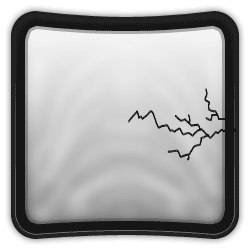
Step 4 Press Ctrl+I to invert it
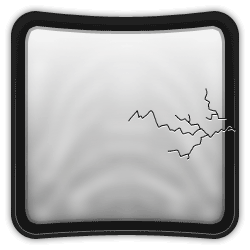
Step 5 Add a really simple black outer glow
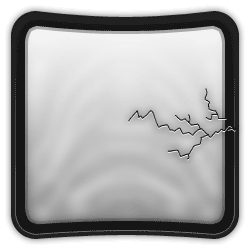
Step 6 And delete whatever is outside the area you want cracked, if needed...